Web Bluetooth
ORPHE-CORE.js uses the Web Bluetooth API to communicate with ORPHE CORE. It works on Chromium-based browsers such as Chrome and Edge. ORPHE-CORE.jsではWeb Bluetooth APIを利用してBLE通信を行います。ChromeやEdgeなどのChromium系ブラウザで動作します。
ORPHE CORE.js
ORPHE-CORE.js connects ORPHE CORE 2.0 or ORPHE CORE 3.0 to JavaScript via Web Bluetooth. You can control LEDs, read sensor and gait data, and prototype games, visuals, sounds, and research tools in the browser. ORPHE-CORE.jsは、ORPHE CORE 2.0またはORPHE CORE 3.0をWeb Bluetooth経由でJavaScriptから扱うためのライブラリです。 LED制御、センサ値、歩容データを使って、ゲーム、ビジュアル、サウンド、研究用ツールなどをブラウザ上で試作できます。
What is ORPHE CORE? ORPHE COREとは
ORPHE-CORE.js uses the Web Bluetooth API to communicate with ORPHE CORE. It works on Chromium-based browsers such as Chrome and Edge. ORPHE-CORE.jsではWeb Bluetooth APIを利用してBLE通信を行います。ChromeやEdgeなどのChromium系ブラウザで動作します。
You can get raw motion sensor data and edge-analyzed gait data at the same time. モーションセンサ値の生データとエッジ解析された歩容データを同時に取得できます。
Start with LED control, then move on to getting sensor values. まずはLED制御から始めて、センサ値の取得に進みましょう!
ORPHE CORE 3.0 product notes ORPHE CORE 3.0の製品情報
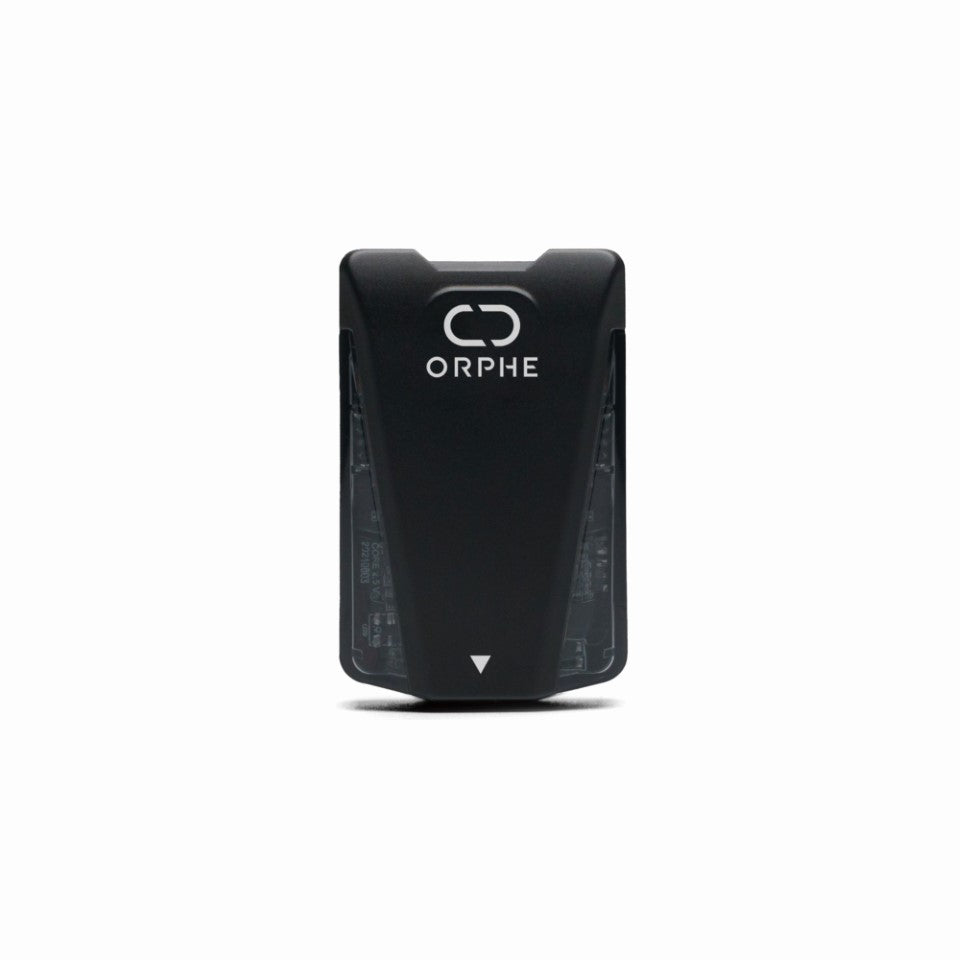
| Size サイズ | 45mm×29mm×14mm |
|---|---|
| Weight 重量 | About 20g 約20g |
| Sensors センサー | Acceleration XYZ, angular velocity XYZ 加速度XYZ、角速度XYZ |
| Analysis performance 解析性能 | 200Hz |
| Body 本体仕様 | Bluetooth, full-color LED, micro USB, IPX7, about 8 hours of operation Bluetooth、フルカラーLED、micro USB、IPX7、約8時間駆動 |
| Compatible shoes 対応シューズ | EASYRUN SHIBUYA 3.0, RUNWALK ORPHE |
| Dual-foot measurement 両足計測 | Two ORPHE CORE 3.0 devices are required. ORPHE CORE 3.0が2個必要です。 |
| Package contents 同梱品 | Sensor device, shoelace mount, USB charging cable 本体、シューレースマウント、充電用USBケーブル |
See the ORPHE CORE 3.0 product page for details. You can order from this shop page. 詳細情報はORPHE CORE 3.0の製品ページをご覧ください。 ご購入はこちらのショップページから注文いただけます。
Shoelace mount setup シューレースマウントの使い方
Use the shoelace mount sold at the ORPHE Official Store to attach ORPHE CORE 2.0 or 3.0 to shoes with laces. ORPHE Official Storeで購入できるシューレースマウントを使うと、ORPHE CORE 2.0 / 3.0を靴ひものある手持ちのシューズに取り付けられます。
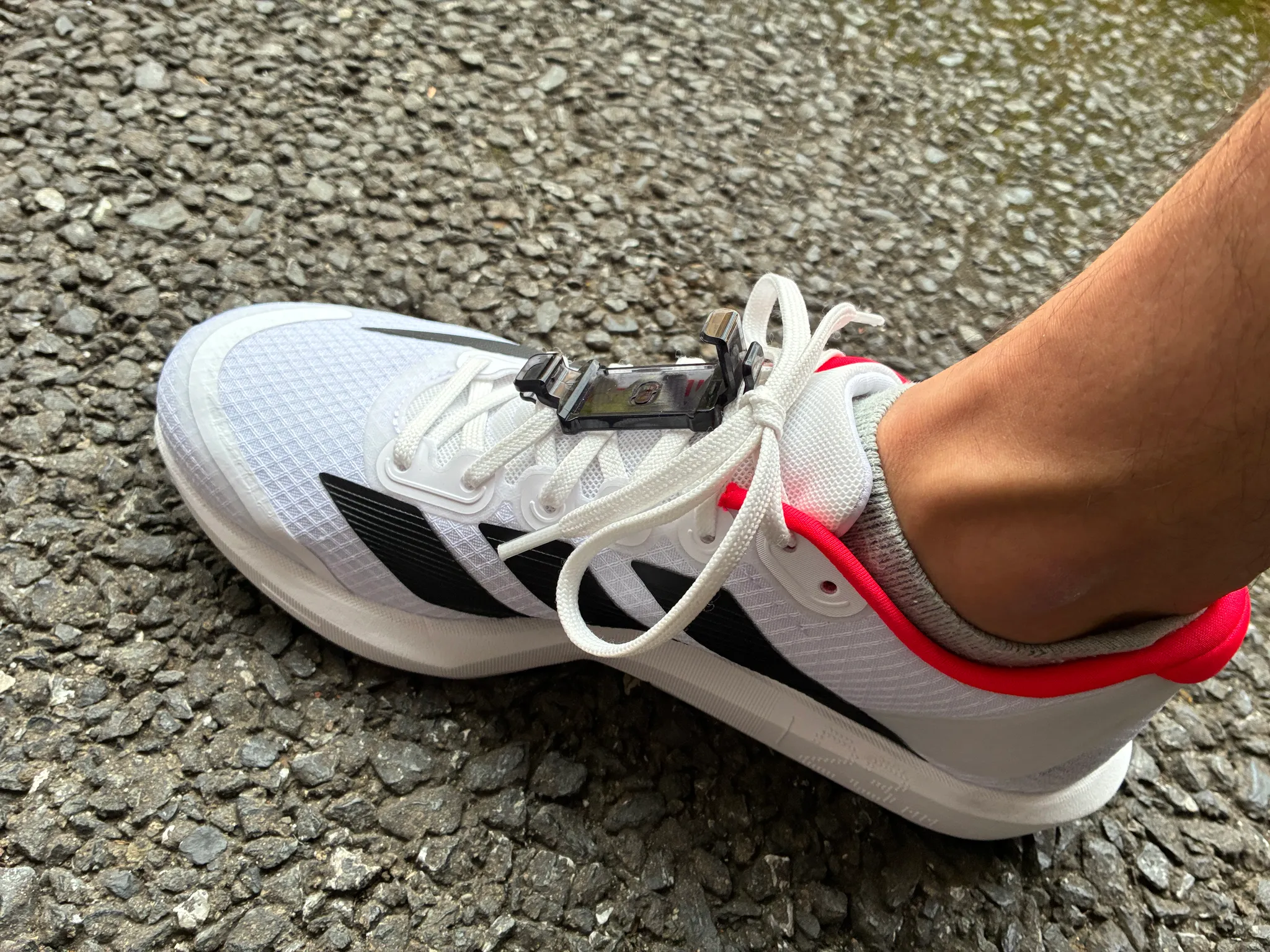
See the shoelace mount guide for direction, mounting steps, and left/right checks. The mount is available from the ORPHE Official Store. 向き、取り付け手順、左右確認は シューレースマウントの詳しい使い方 にまとめています。 シューレースマウントは ORPHE Official Storeで購入できます。
What data can I get? 取得できるデータ
Acceleration, angular velocity, quaternion, and Euler angles. 加速度、角速度、クォータニオン、オイラー角を取得できます。
Steps, gait type, direction, distance, and phase duration. 歩数、歩容タイプ、方向、距離、立脚・遊脚時間を扱えます。
Stride, pronation, landing impact, and foot angle. ストライド、プロネーション、着地衝撃、接地角を取得できます。
LED control, mount position, sensor reset, and device information. LED、装着位置、センサリセット、デバイス情報を操作できます。
What you can build ORPHE COREで作れるもの
Quick start Quick start
<button onclick="connectOrphe()">Connect ORPHE</button>
<script src="https://cdn.jsdelivr.net/gh/Orphe-OSS/ORPHE-CORE.js@v1.4.2/js/ORPHE-CORE.js"></script>
<script>
  var core = new Orphe(0);

  window.onload = function () {
    core.setup();
  };

  async function connectOrphe() {
    await core.begin('STEP_ANALYSIS_AND_SENSOR_VALUES');
    core.setLED(1, 0);
  }
</script>As reference, here is ORPHE-CORE.js CDN file.
参考までに、ORPHE-CORE.jsのCDNファイルを以下に示します。
CoreToolkit.js CDN file.
CoreToolkit.jsのCDNファイルを以下に示します。CoreToolkit.jsについてはStart buildingのCoreToolkit.js guideを参照してください。
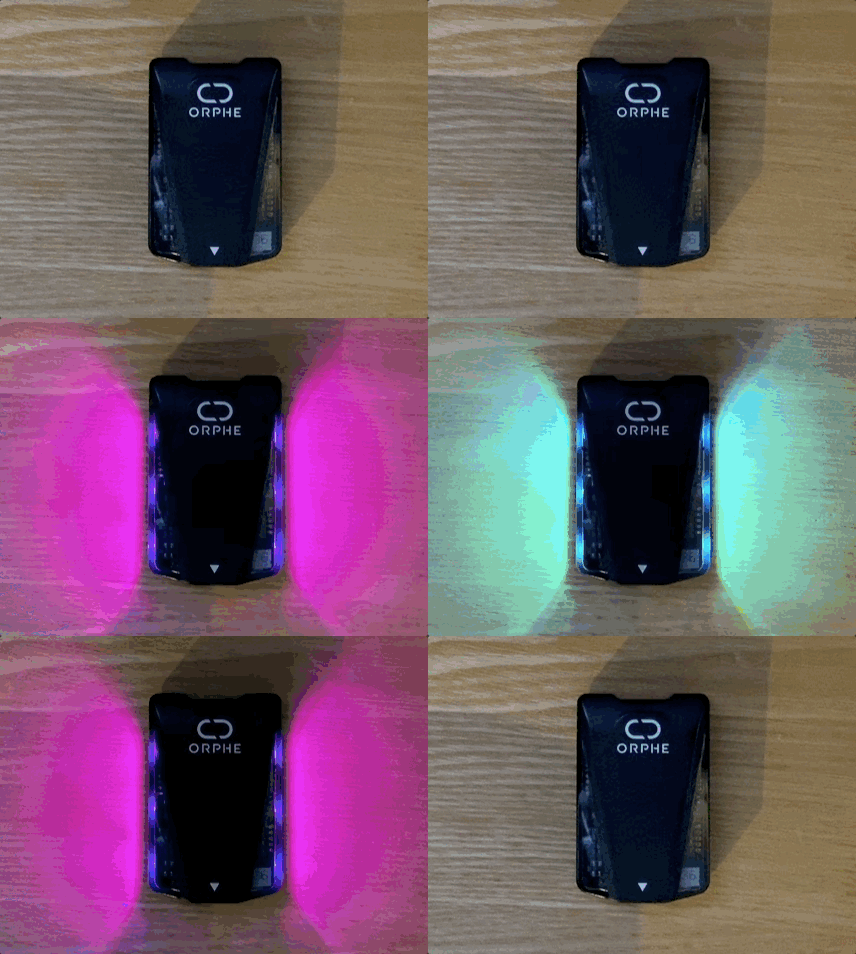
Once the device connects, make the full-color LED blink and then move on to sensor data. 接続できたらフルカラーLEDを点滅させて、そのままセンサ値の取得へ進めます。
Start building 始め方を選ぶ
ORPHE-CORE.js uses the Web Bluetooth API, so please check browser compatibility. It works on Chrome-based browsers such as Chrome and Edge. Safari and Firefox are not supported. On iOS, use a Web BLE browser such as Bluefy. ORPHE-CORE.jsではWeb Bluetooth APIを利用してBLE通信を行うため、ブラウザとの互換性に注意してください。ChromeやEdgeなどのChromium系ブラウザで動作します。SafariやFirefoxでは動作しません。iOSの場合は Bluefy などのWeb BLE対応ブラウザを利用してください。
Use these workshop materials to learn ORPHE CORE programming from video lessons and class outcomes.
YouTubeのORPHE CORE WS教材と、授業・ワークショップで制作された成果を参照できます。
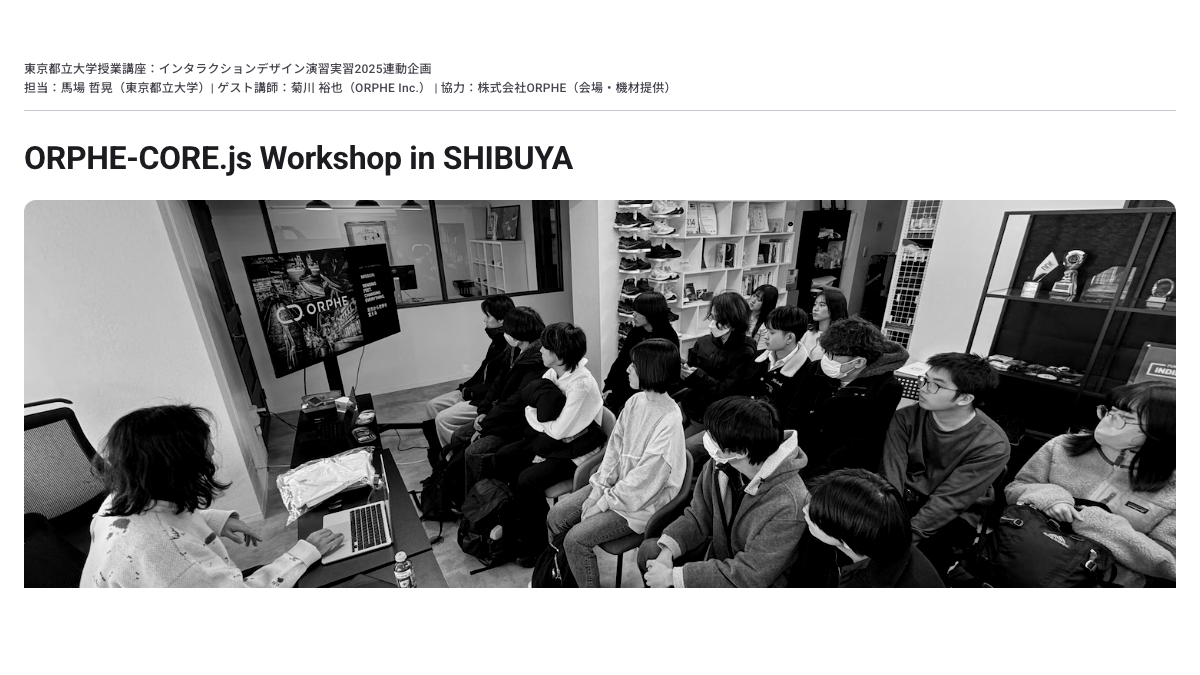
Tokyo Metropolitan University class and workshop outcomes made with ORPHE CORE.
東京都立大学での授業・ワークショップ成果をまとめたギャラリーです。
Click here for a Tutorial page where you can learn ORPHE CORE js step by step. have a fun, enjoy!!
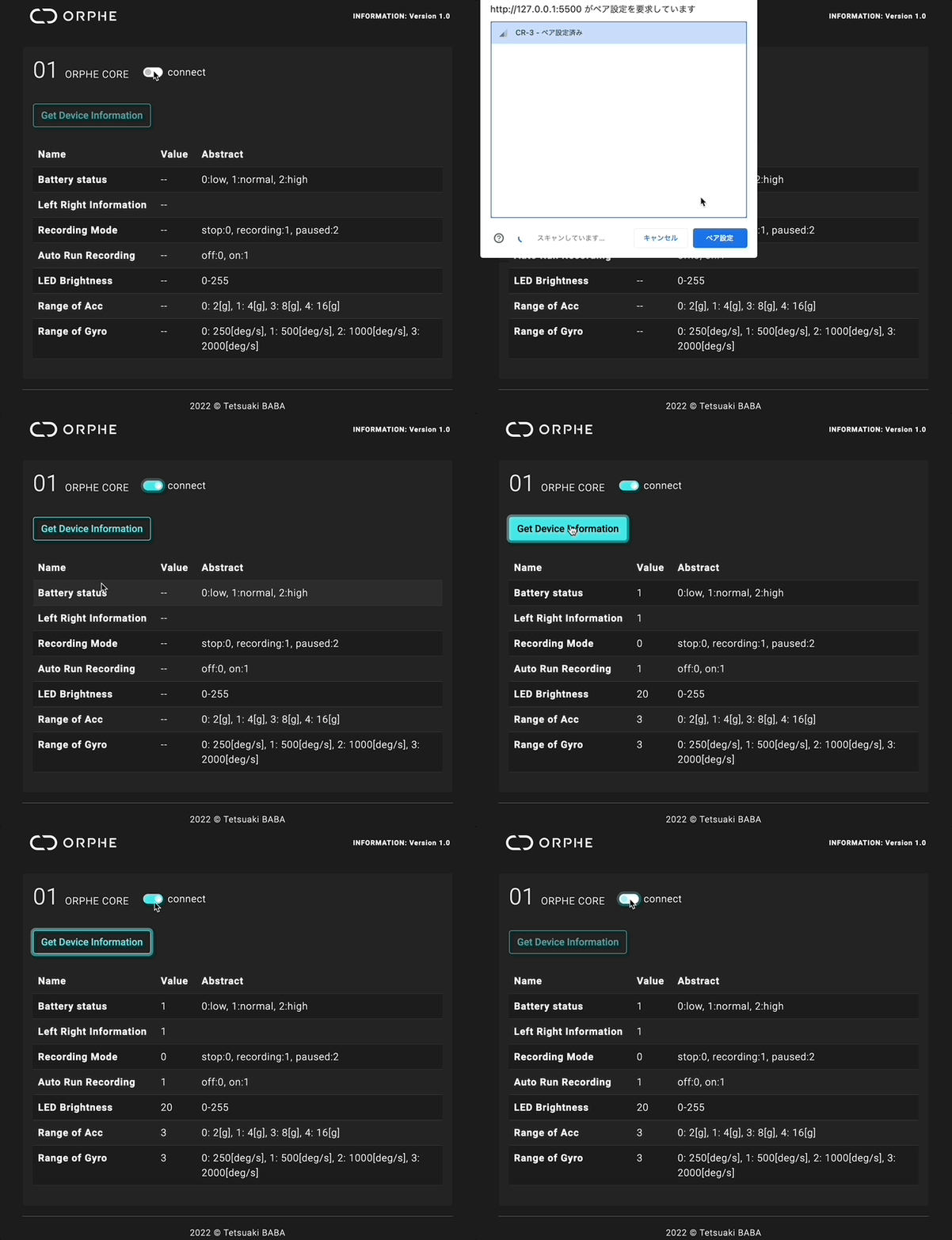
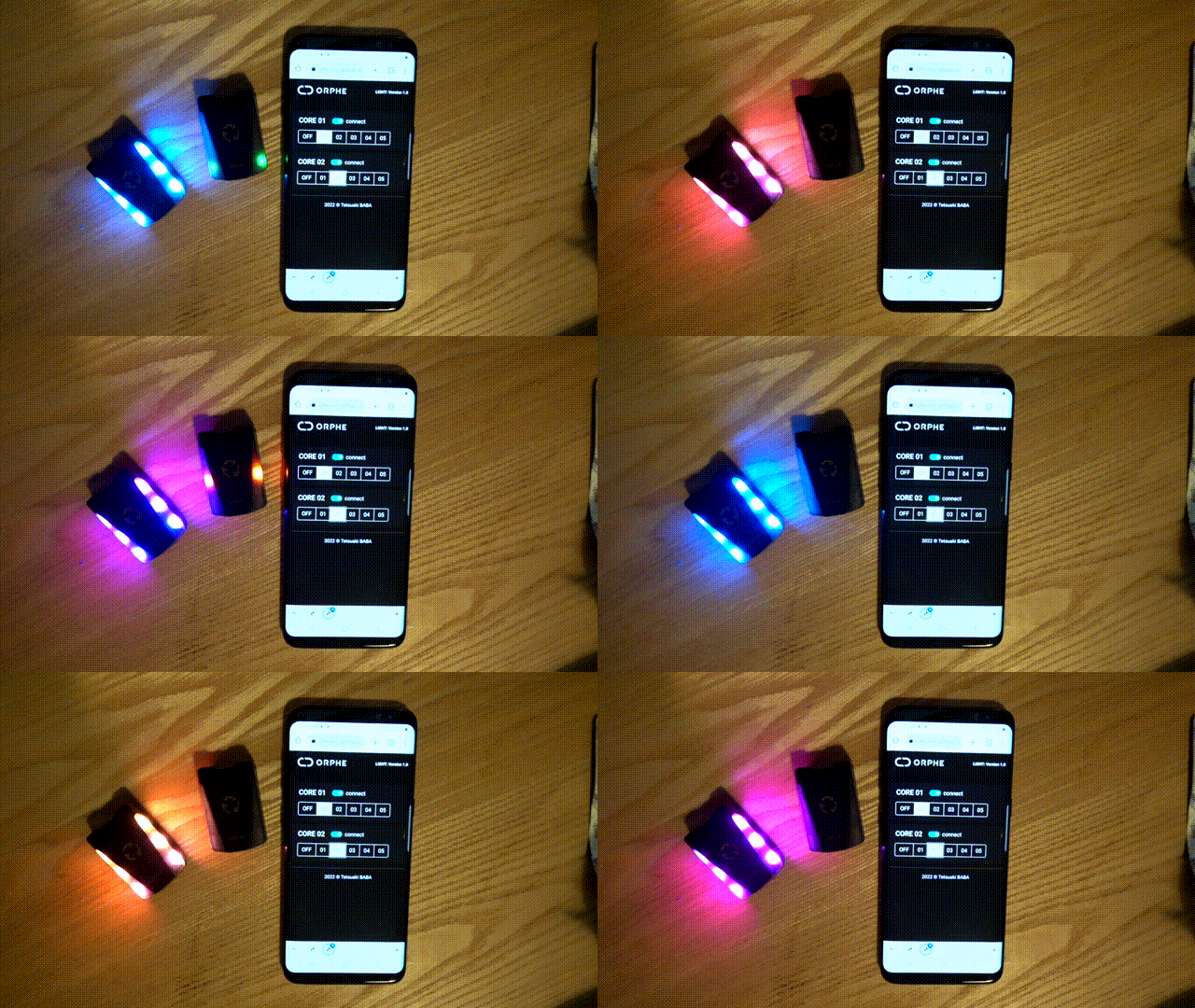
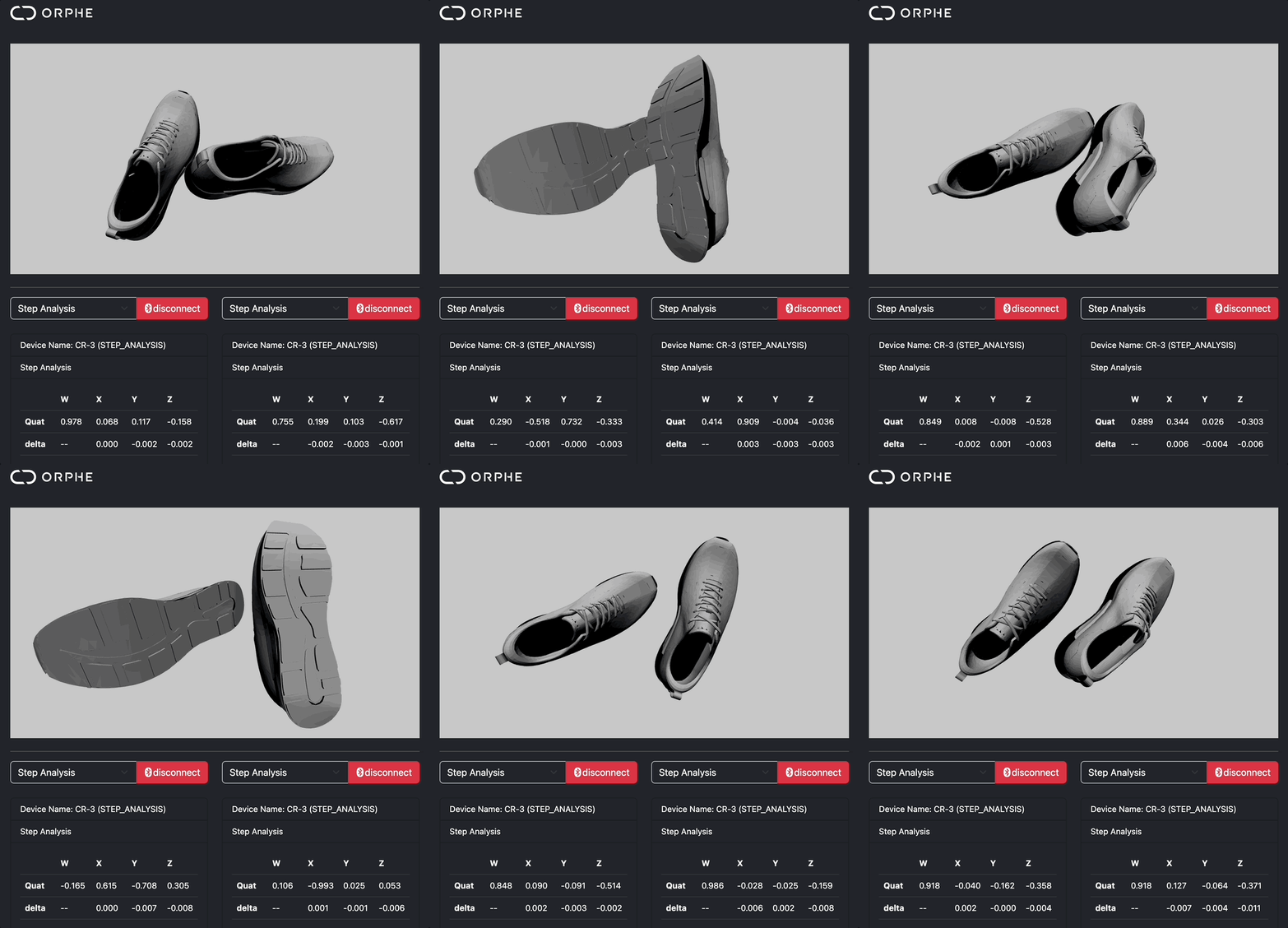
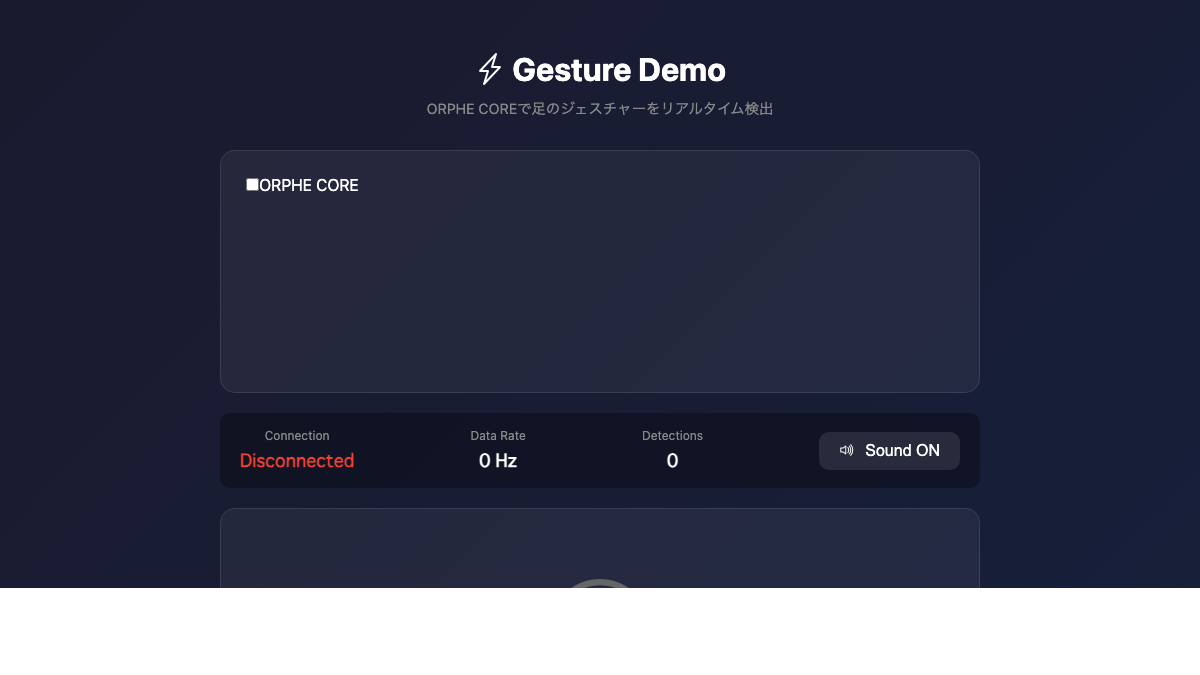
Use these examples to inspect the device, control LEDs, visualize sensor and gait data, and connect ORPHE CORE with other web APIs.
デバイス情報、LED制御、センサー値や歩容データの可視化、外部API連携など、アプリ開発の起点になるExampleです。
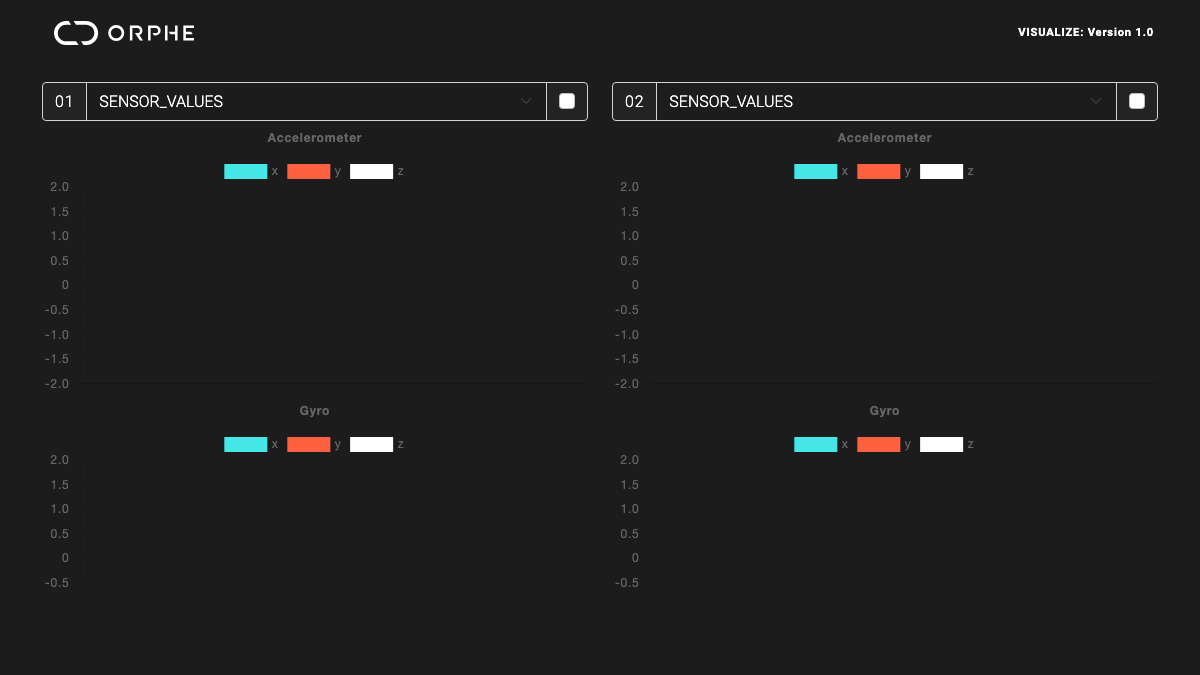
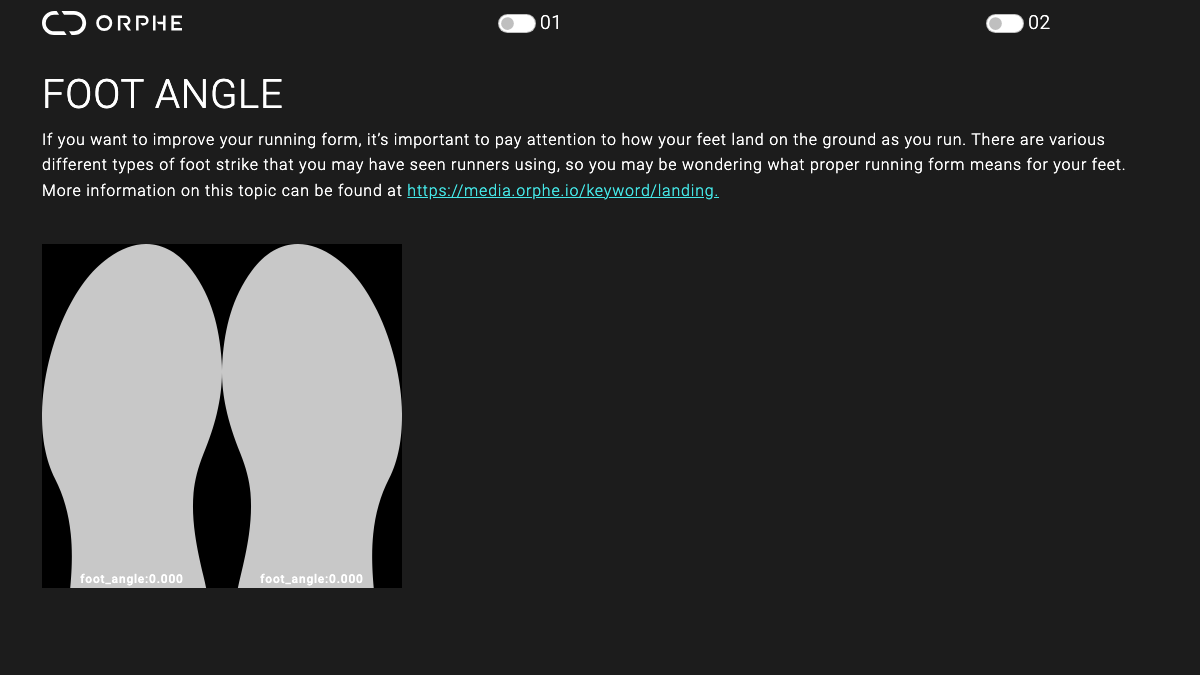
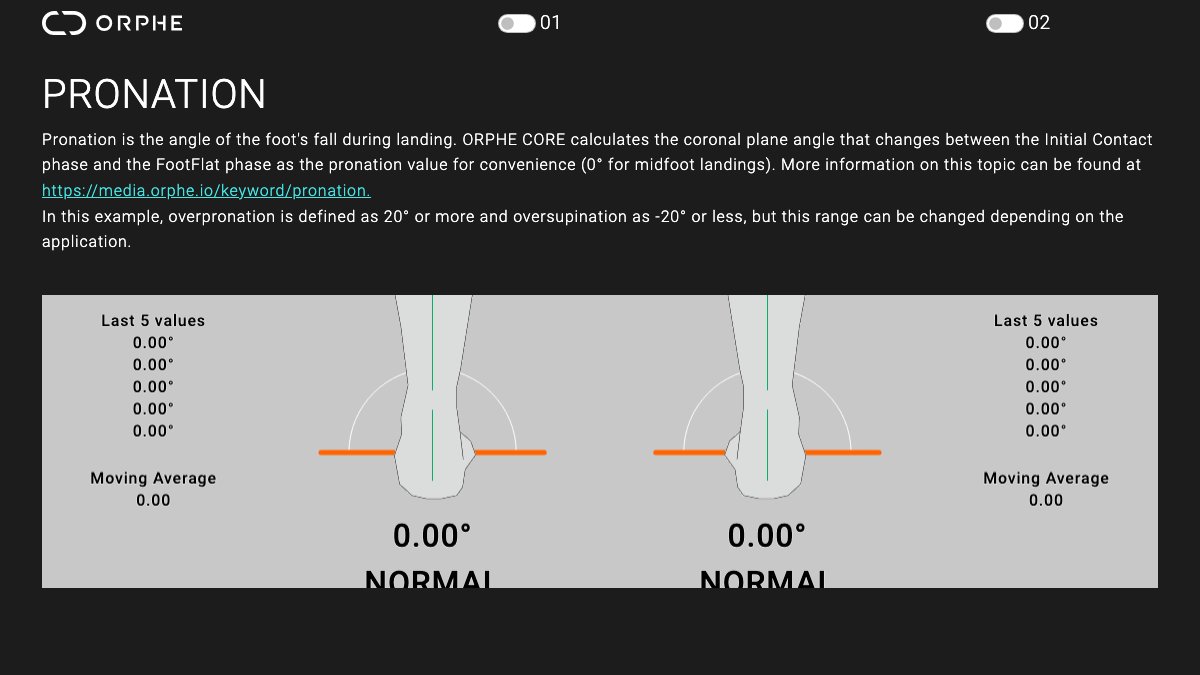
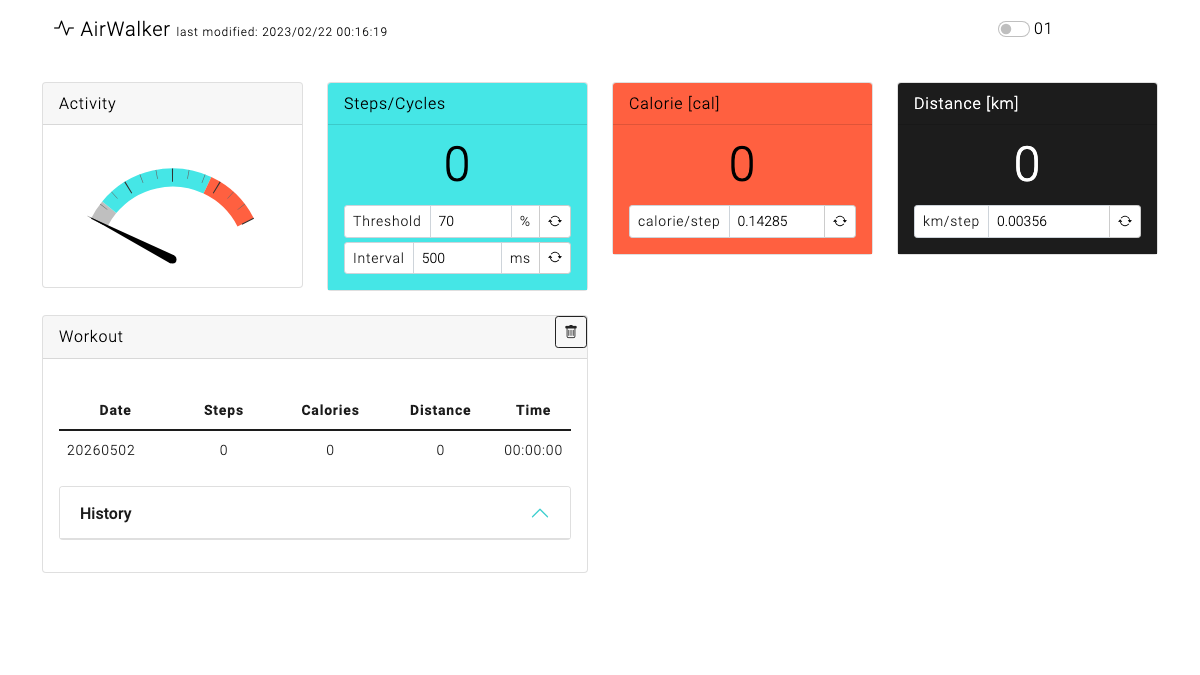
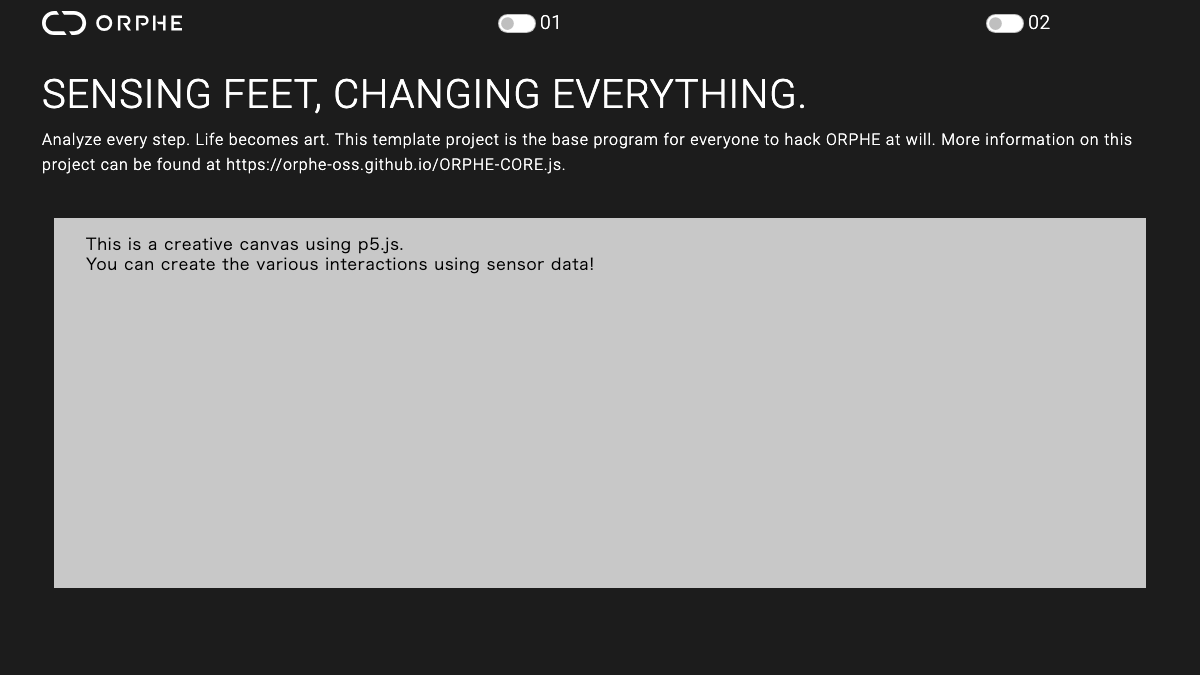
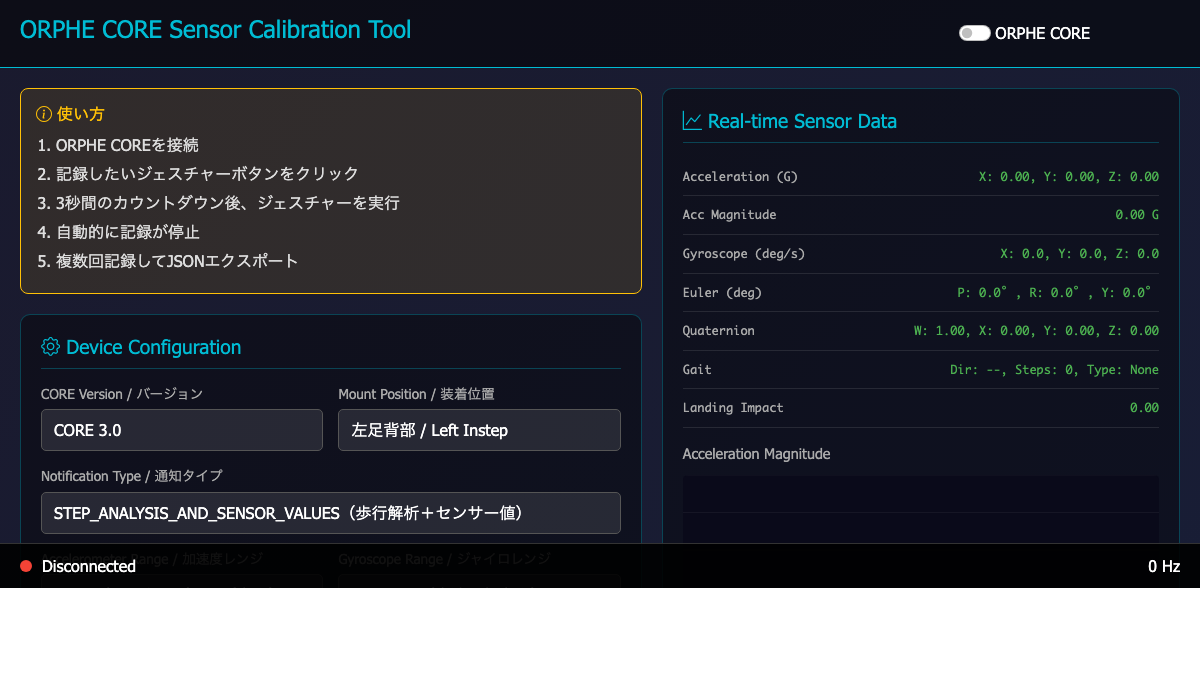
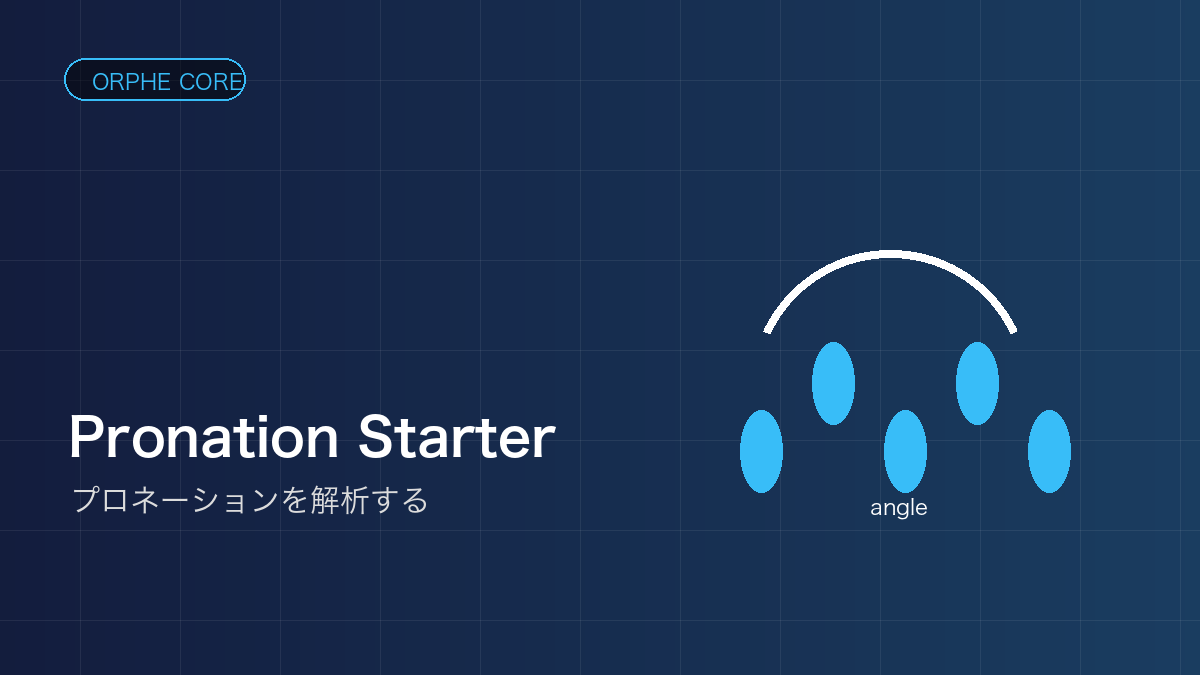
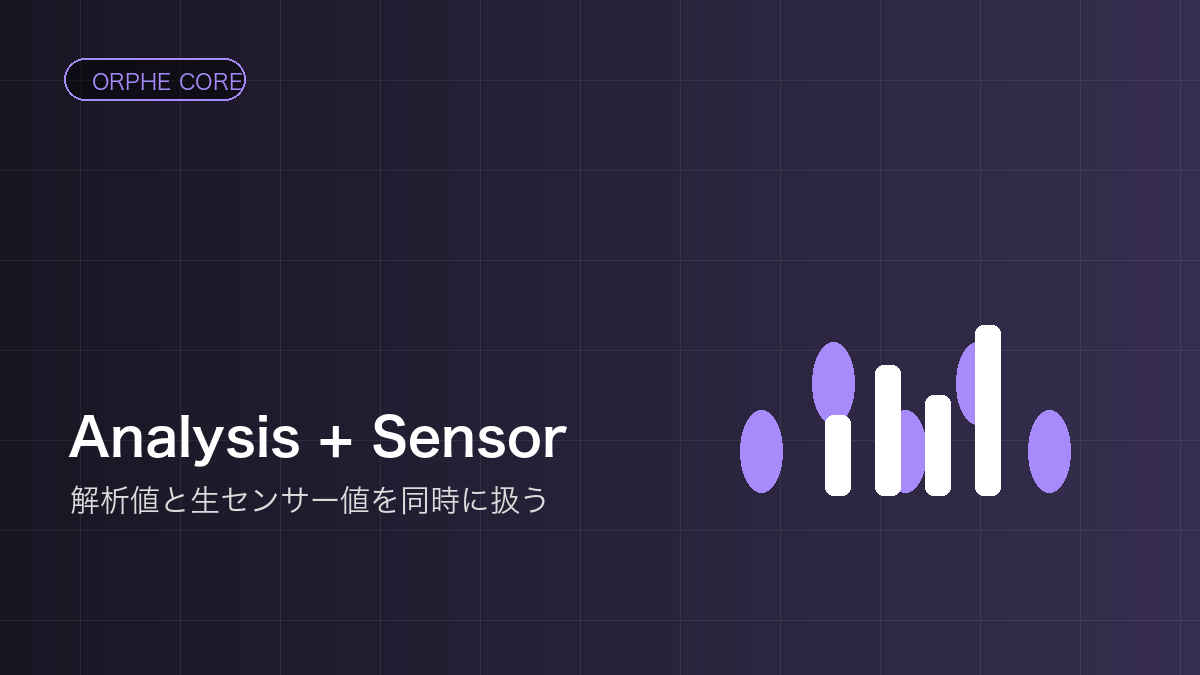
Starter Templates are small working examples for learning one data type or one notification mode at a time.
Starter Templatesは、1つのデータ型や通知モードを小さく試すための最小サンプルです。
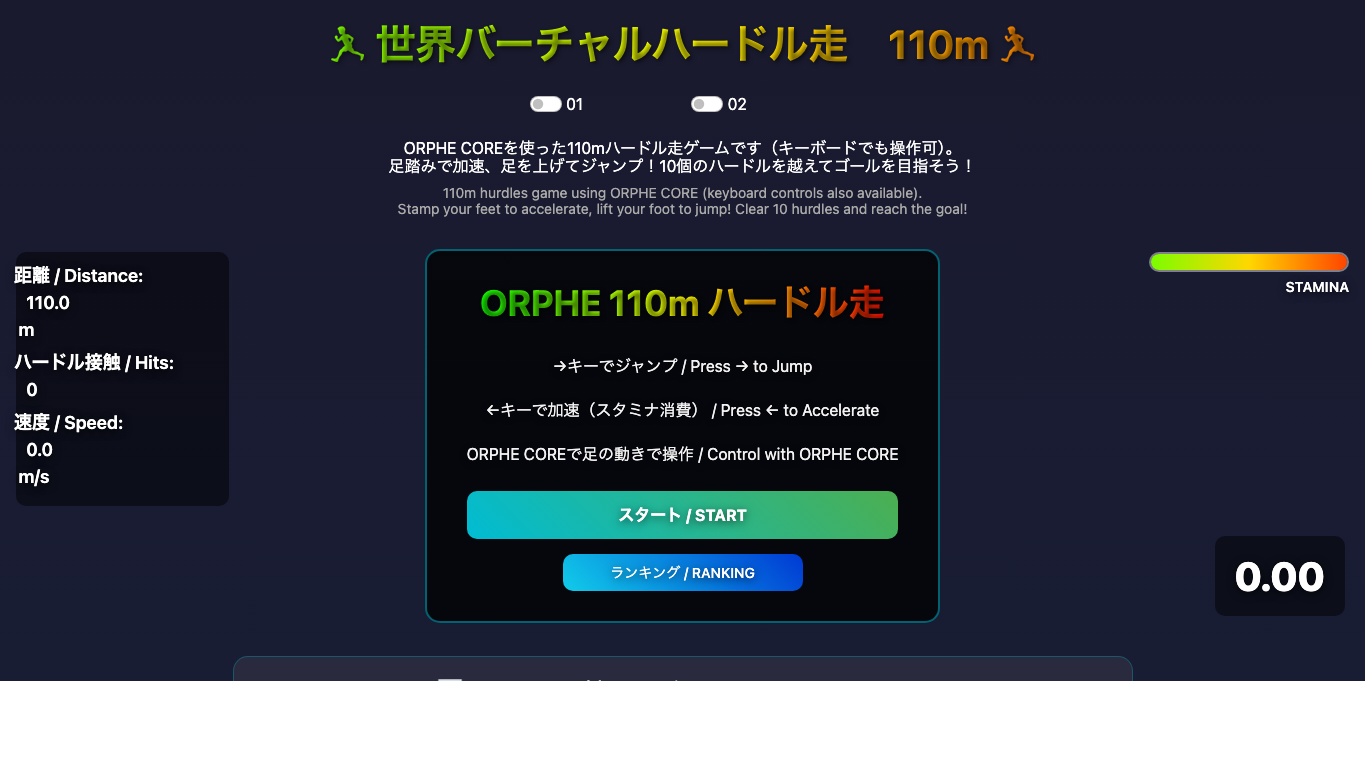
Sports examples that turn gait and foot motion into track, sprint, hurdle, and competition-style experiences.
歩行・走行・足の動きを使って、陸上競技や対戦型スポーツ体験を作るExampleです。
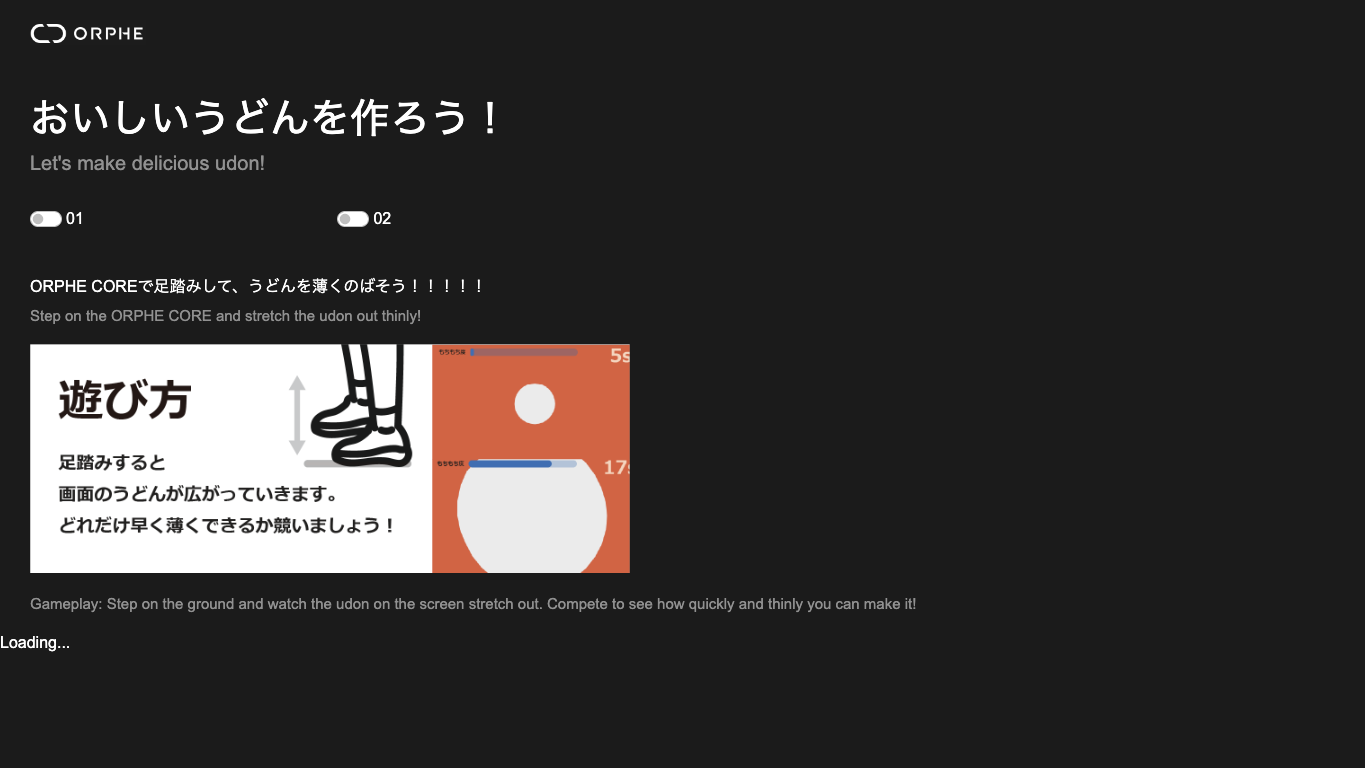
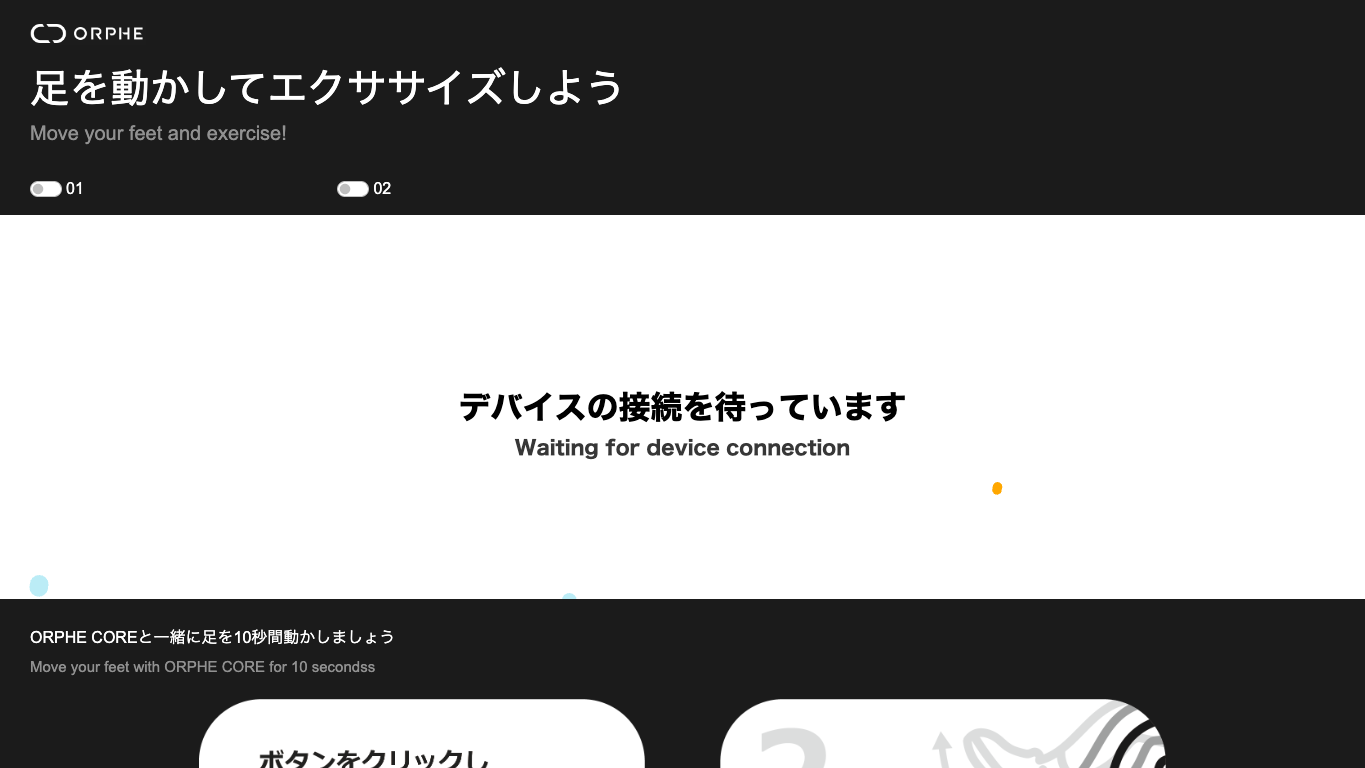
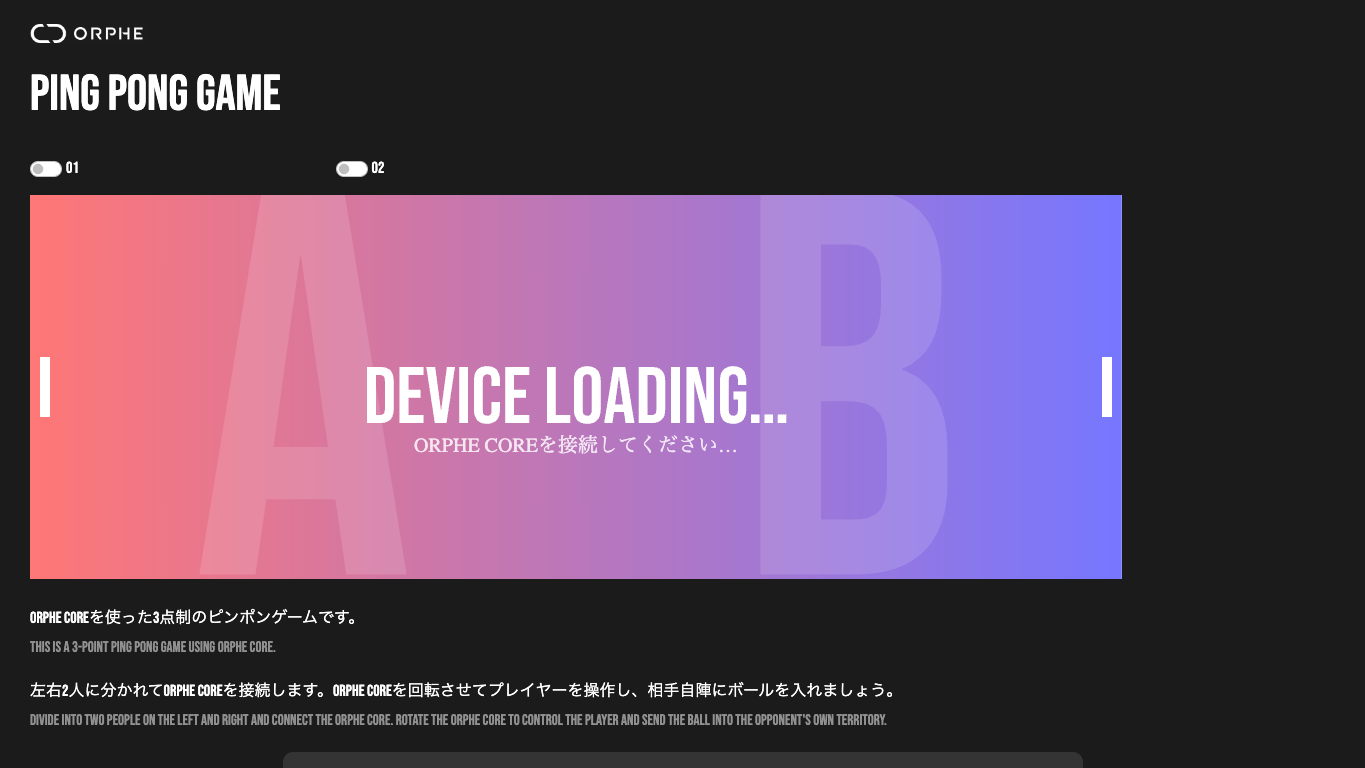
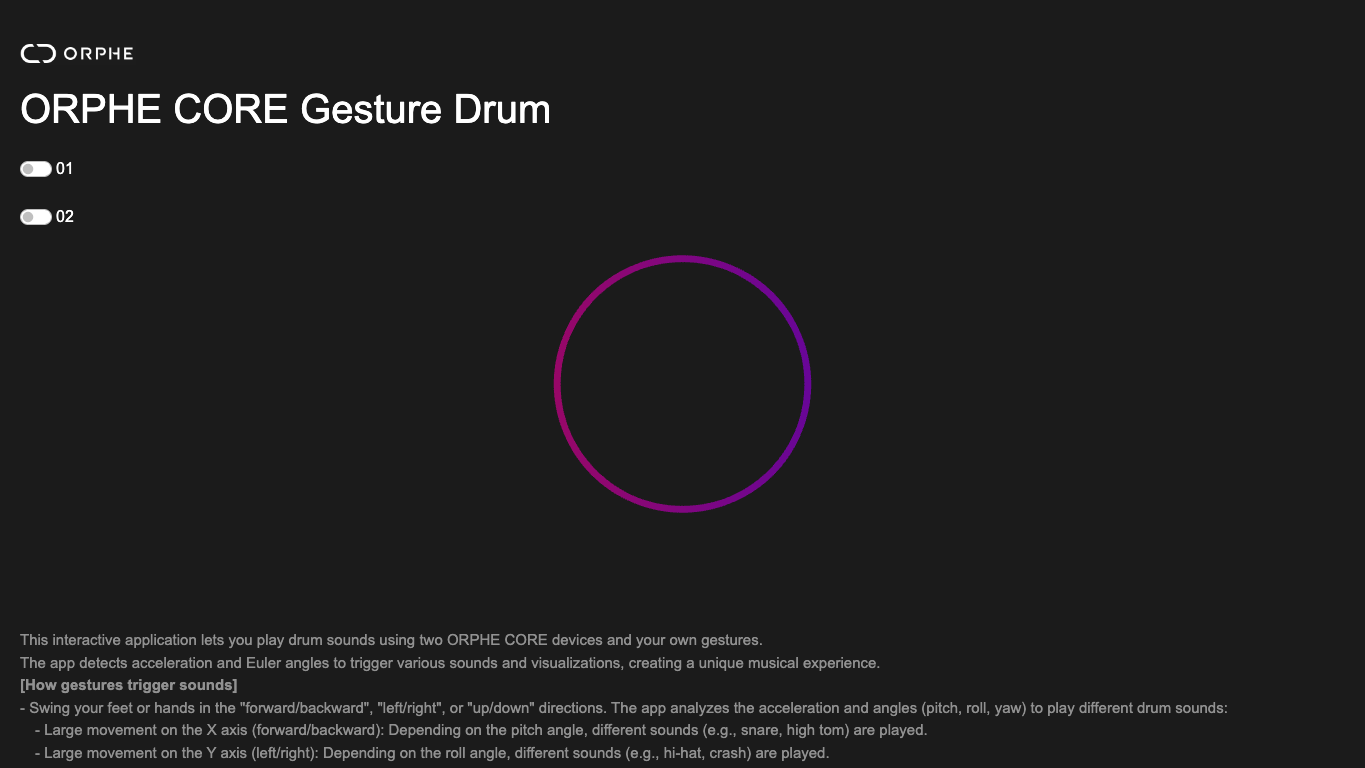
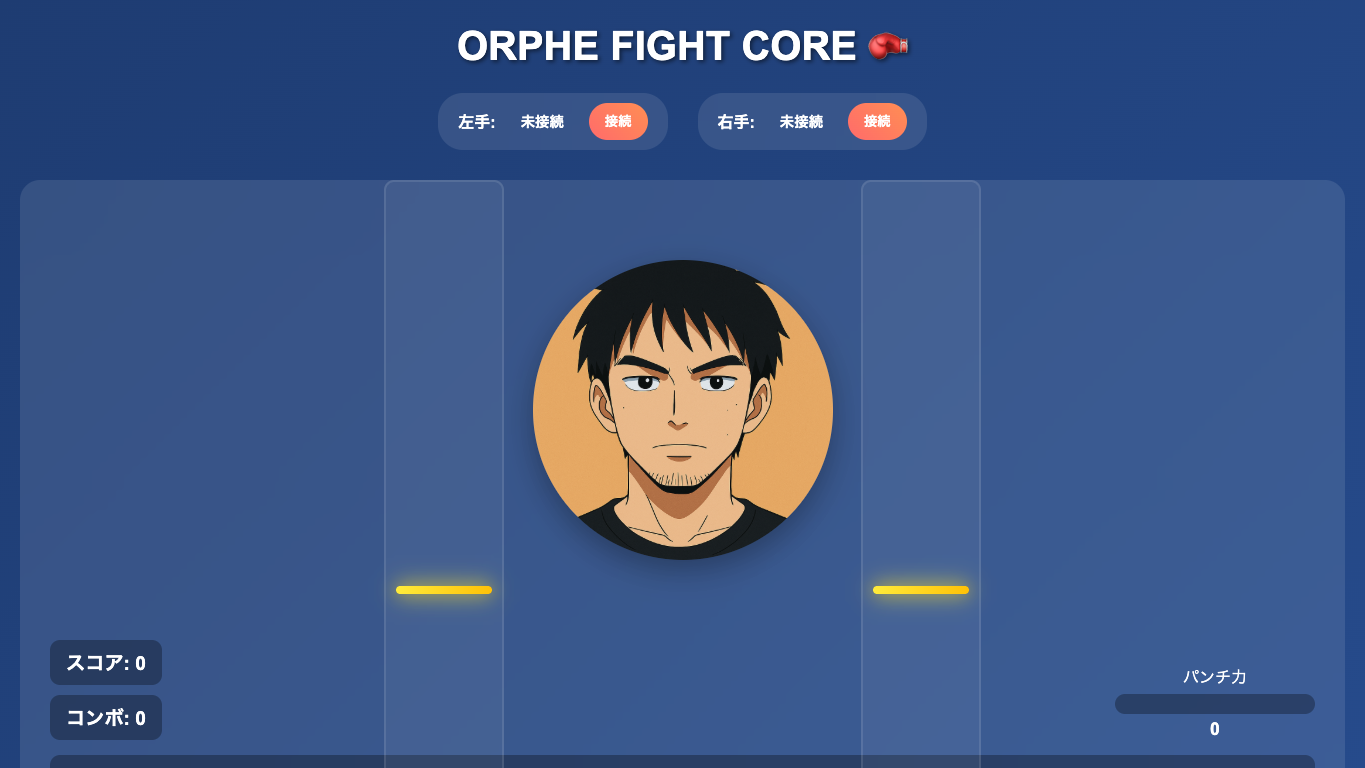
Play with graphics, sounds, and physical game mechanics using ORPHE CORE as an input device.
ORPHE COREを入力デバイスとして使い、グラフィック、サウンド、身体動作のゲームを作るExampleです。
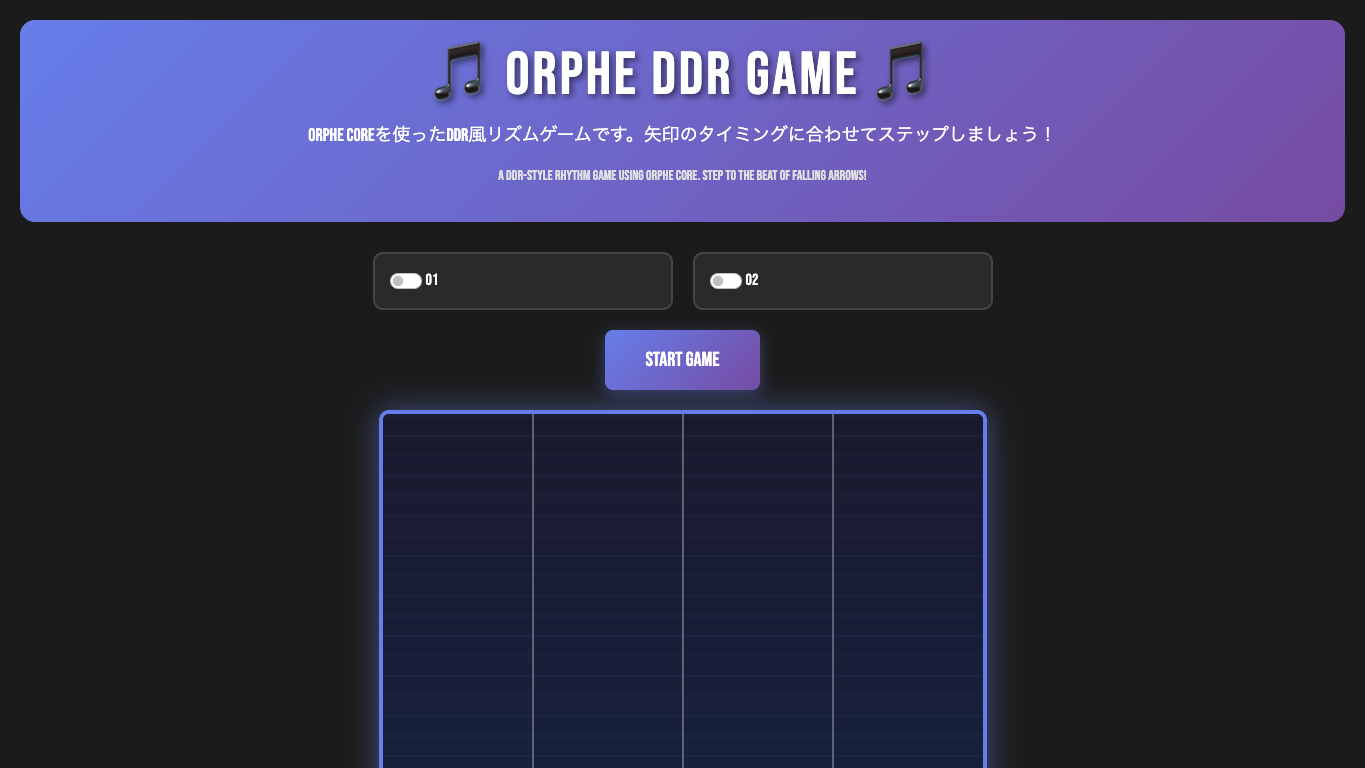
Examples for gesture recognition, time-series matching, frequency analysis, and data plotting.
ジェスチャー認識、時系列マッチング、周波数解析、データ可視化を試すためのExampleです。
Here is a ORPHE class API reference which is generated by jsdoc.
以下はjsdocによって生成されたORPHEクラスのAPIリファレンスです。