Back to ORPHE-CORE.js ORPHE-CORE.jsに戻る
Control the LED LEDを制御する
When there is an LED, you may want to make it blink. This code shows how to blink the LED. Hello ORPHE-CORE World!!
LEDがあると、点滅させたくなりますよね!そんな時はこのコードでLED点滅を実現しましょう。Hello ORPHE-CORE World!!
The sample code below also describes how to set the notificaiton type and sensor sensitivity from the beginning when calling ble.begin. Normally, the begin() function can be used by calling it without any arguments, but if you have detailed specifications, please refer to it.
下記のサンプルコードでは、ble.beginを呼び出す際に、通知タイプやセンサー感度を最初から設定する方法も記載しています。通常、begin()関数は引数なしで呼び出すことで使用できますが、詳細な仕様がある場合は参考にしてください。
API Reference: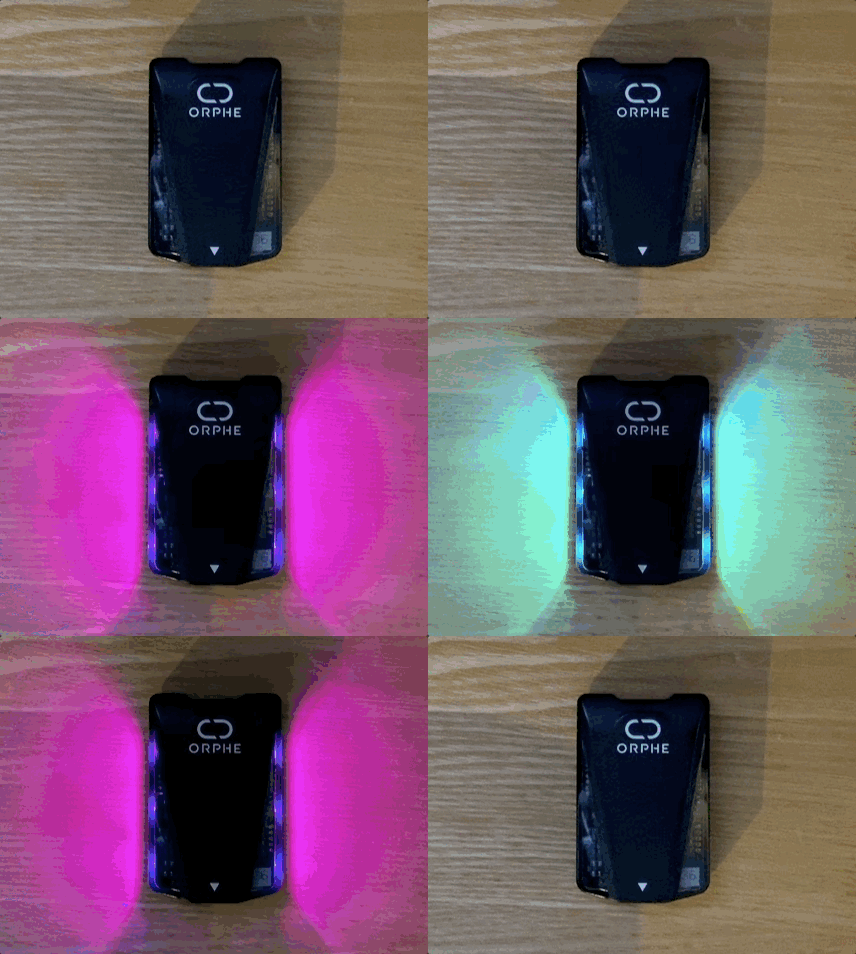
          <!doctype html>
          <html lang="en">
          <head>
              <meta charset="utf-8">
              <title>ORPHE CORE JS DEMO</title>
          </head>
          <body>
              <h1>Hello, ORPHE!</h1>
              <button onclick="mystart()">connect</button>
              <script src="https://cdn.jsdelivr.net/gh/Orphe-OSS/ORPHE-CORE.js@v1.4.2/js/ORPHE-CORE.js" crossorigin="anonymous"></script>
              <script>
                  var core = new Orphe(0);
                  window.onload = function () {
                      core.setup();
                  }
                  async function mystart() {
                      await core.begin();
                      core.setLED(1, 0);
                      let flg = true;
                      setInterval(function () {
                          if (flg == true) core.setLED(0, 0);
                          else core.setLED(1, 0);
                          flg = !flg;
                      }, 1000);
                  }
              </script>
          </body>
          </html>