Web Bluetooth SDK for ORPHE CORE and ORPHE INSOLE
ORPHE-CORE-INSOLE.js
One SDK brings two devices to your browser. ORPHE CORE is a compact IMU sensor; ORPHE INSOLE is a smart insole with built-in pressure sensors. With this SDK, both devices connect seamlessly to your browser app over Web Bluetooth.
What is ORPHE-CORE-INSOLE.js?
CORE and INSOLE data, through one shared SDK.
ORPHE-CORE-INSOLE.js merges ORPHE-CORE.js and ORPHE-INSOLE.js into one SDK. Connection, reconnection, subscriptions, recording, and device commands share the same API, so code written for CORE moves to INSOLE (and back) with almost no changes.
One class, two profiles, automatic detection
Create new OrpheCoreInsole({ profile: coreProfile() }) or insoleProfile(). Omit the profile and the SDK shows both devices in the chooser and detects the type from the device name.
Reconnect, FIFO recording, gait analysis
Enable automatic reconnection with autoReconnect: true and cross-tab sharing with useSharedBridge: true. FIFO capture requires supported firmware. INSOLE also has gait analysis and a simulator.
Compatible with the previous libraries
Compatibility classes Orphe / OrpheInsole retain got* callbacks. Toolkit-created instances use the new API; use on() or attachLegacyCallbacks() when migrating.
Supported devices
Two devices, one SDK: pick the sensor that fits your idea.
ORPHE CORE, a compact IMU sensor that captures body movement in real time, and ORPHE INSOLE, a smart insole that measures plantar pressure distribution. Choose one for your use case or connect both at once: the exact same code handles either seamlessly.
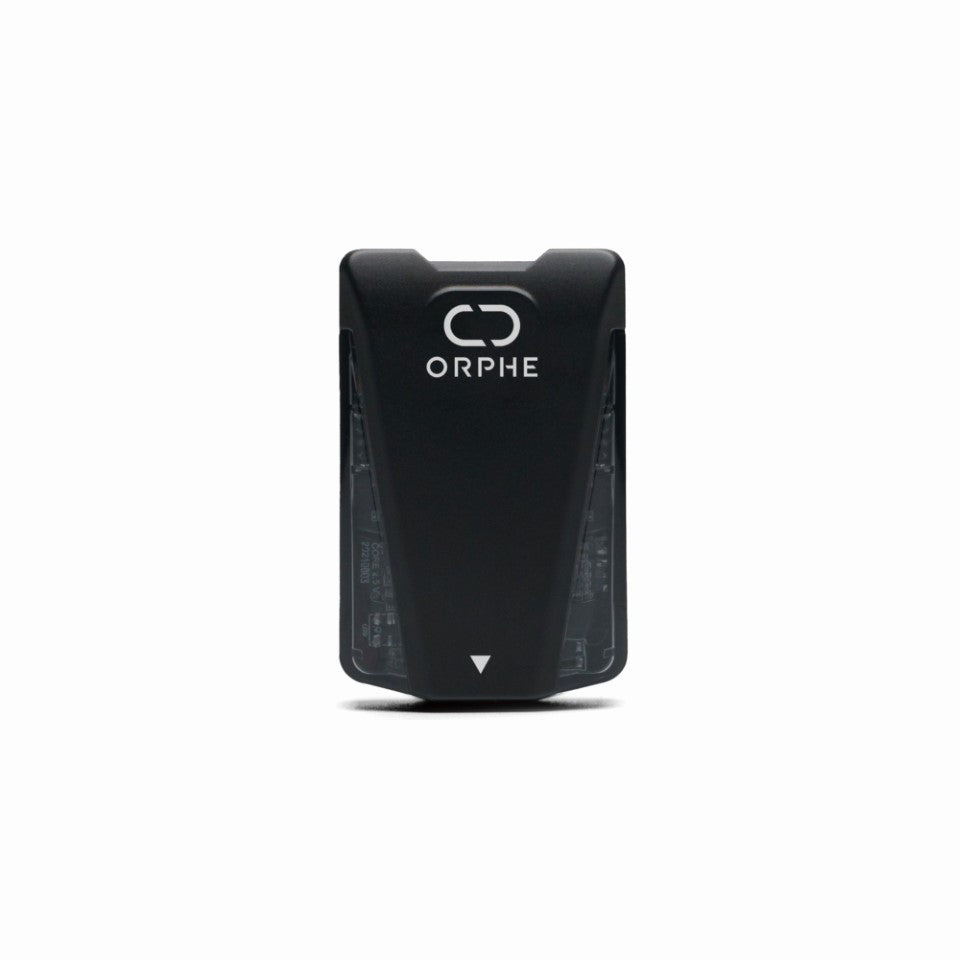
A compact motion sensor for measuring body movement, ready for any idea.
ORPHE CORE is a lightweight 6-axis IMU sensor device, only about 20 g, that tracks body movement with high precision. Besides raw sensor values, it computes gait analysis on the device, including step count, gait type, stride, and pronation.
3-axis acceleration and 3-axis gyroscope, sampled at up to 200 Hz on CORE 3.0. Gait events are delivered per step.
Selectable acceleration and gyroscope ranges via the SDK.
IPX7 water resistance, full-color LED, micro USB charging, about 8 hours per charge.
Attach to any laced shoe with the shoelace mount, or use dedicated shoes. Two modules are needed to measure both feet.
EASYRUN SHIBUYA 3.0 and RUNWALK ORPHE are listed as compatible shoes. The SDK supports CORE 2.0 and 3.0; 200 Hz data-loss detection is available on CORE 3.0 only.
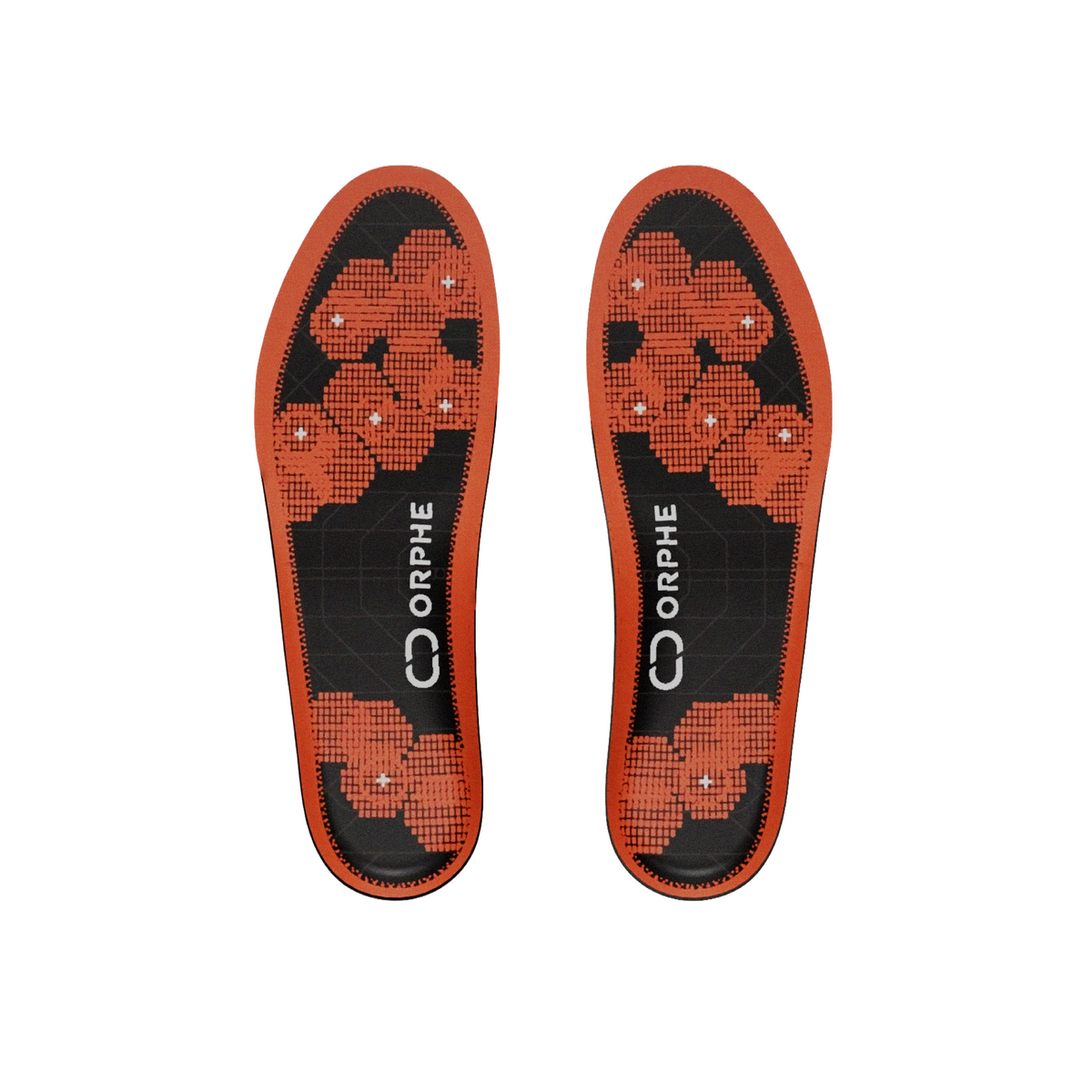
A pressure and motion platform inside the insole.
ORPHE INSOLE is a smart insole that replaces a regular one. Six pressure sensors per foot and a 6-axis IMU measure foot pressure and motion in real time.
Each foot includes six pressure sensors plus 3-axis acceleration and 3-axis gyroscope data.
Store-listed ranges for acceleration, gyroscope, and pressure measurement.
Sampling rate may vary depending on the application and mode.
Magnetic connector charging, plus wireless charging with the separately sold ORPHE MAT.
The official store currently lists ORPHE INSOLE β as an Evaluation Kit for approved customers and research partners, including three pairs of insoles and an iOS app. It received the CES 2026 Best of Innovation award (Sports & Fitness).
What data can you get?
Subscribe to the fields you need with on().
The SDK parses the packets; you receive values with ble.on('field', callback). Use '*' to get the whole sample. Available fields differ per device, so use the two groups below as a reference.
Motion, gait analysis, and device control
Choose from three modes: SENSOR_VALUES (raw), STEP_ANALYSIS (gait), or both at once.
Motion sensor values
Acceleration, angular velocity, quaternion, and Euler angles. Up to 200 Hz on CORE 3.0 for games, visuals, and sound.
Gait analysis
Step count, gait type, direction, distance, calories, and stance / swing phase durations computed on the device per step.
Foot metrics
Stride length, pronation, foot angle at contact, and landing impact for running form and rehabilitation prototypes.
Device control
Full-color LED patterns and brightness, mount position, sensor range, attitude reset, and device information read / write.
Pressure, motion, and orientation
The real-time sensor stream uses SENSOR_VALUES; streamingMode 1 / 3 / 4 selects its fields. Gait analysis and FIFO recording use separate acquisition paths.
Pressure values
Six raw pressure channels per foot and load in newtons. Conversion uses individual calibration coefficients when available, otherwise a default conversion formula shared by all channels.
Acceleration
Converted XYZ acceleration for movement intensity, step timing, and interaction design.
Angular velocity
Rotational motion of the foot without writing your own BLE parser.
Orientation
In default streaming mode 4, quaternion and Euler angles arrive together with pressure and motion data.
INSOLE gait analysis
InsoleGait records per-step gait rows from INSOLE and exports CSV.
Simulator
Develop without hardware: a virtual INSOLE that goes through the same parsing path as a real device.
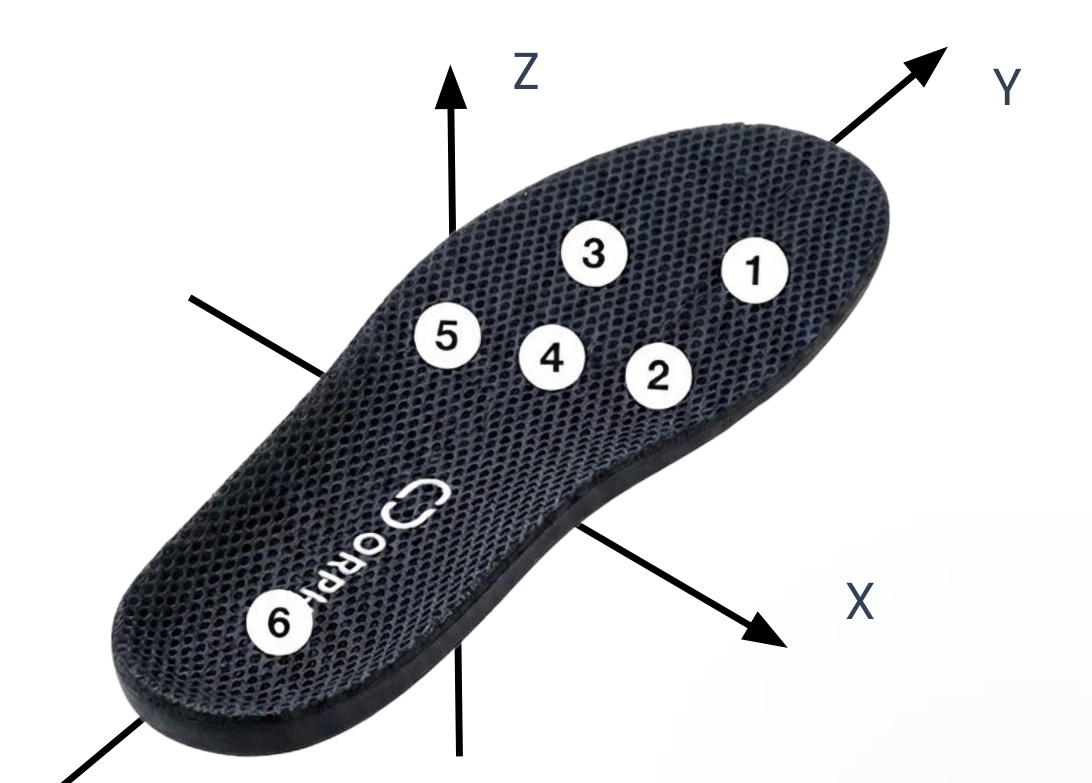
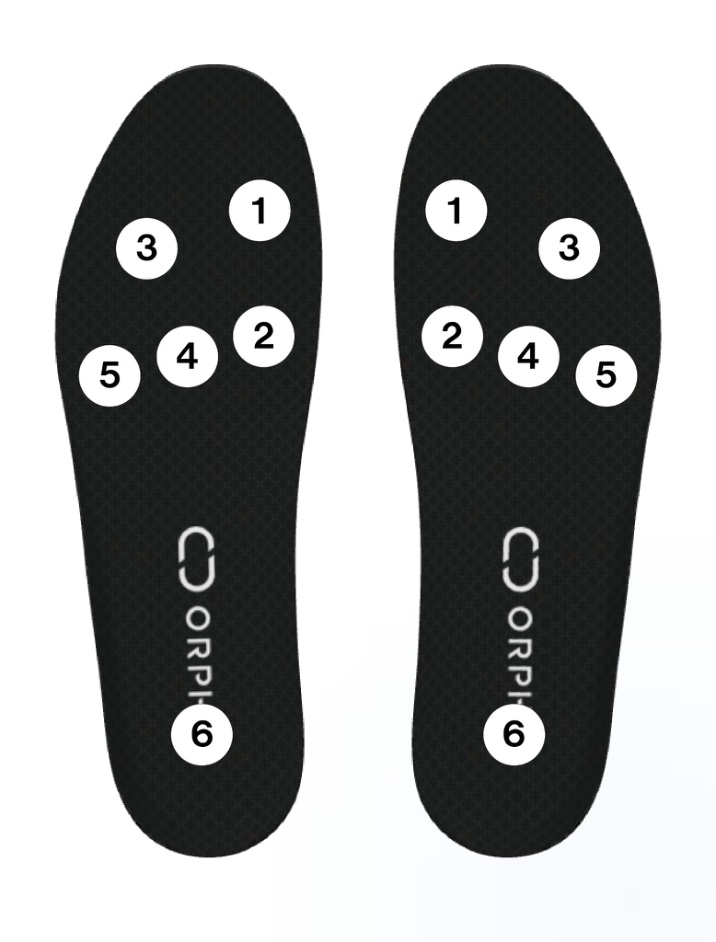
Coordinate system and pressure sensor placement
The sensor frame is right-handed and Z-up: Y points toward the toes, X to the right of the toe direction, and Z upward out of the insole top surface (accZ reads about +1 G at rest). Six pressure sensors per foot are numbered 1–6 as shown; press.values[i] corresponds to sensor i + 1.
Shared on both devices
Stream health
Measured packet rate and detected gaps in serial numbers, so you can tell BLE drops from sensor behavior.
Lifecycle events
Connect, disconnect, errors, and reconnect progress. Subscribe as many times as you like; each call returns an unsubscribe function.
Recording helpers
FIFO retrieves buffered samples to recover gaps and exports CSV. Requires CORE firmware dated 20260125 or later, or INSOLE firmware dated 20260510 or later. Unrecoverable loss is reported via onDataLoss; stopOnLoss defaults to false. Unknown firmware is not filtered, so availability is unconfirmed.
Sample data
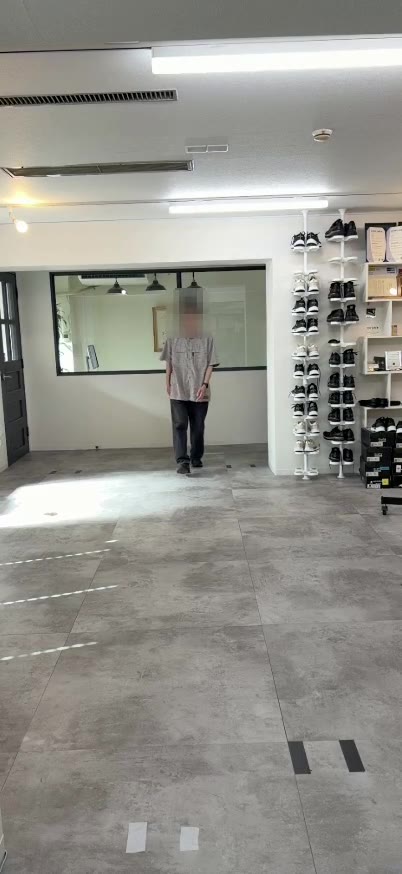
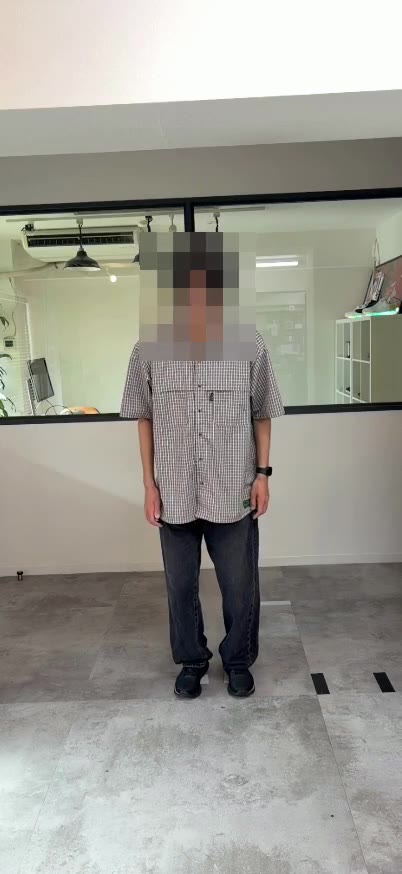
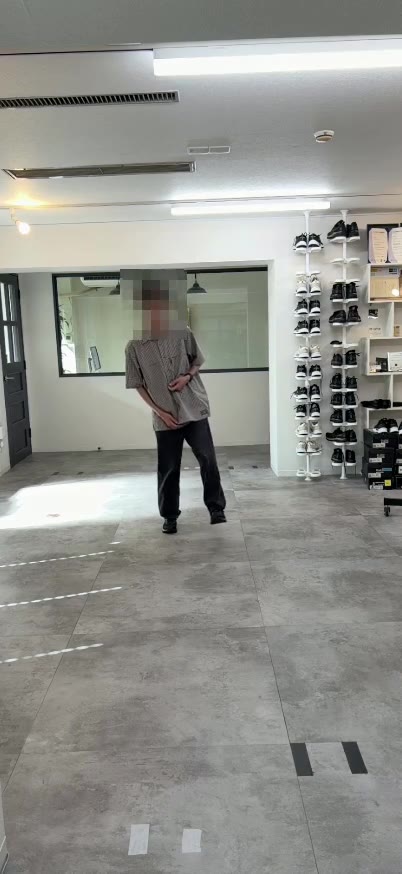
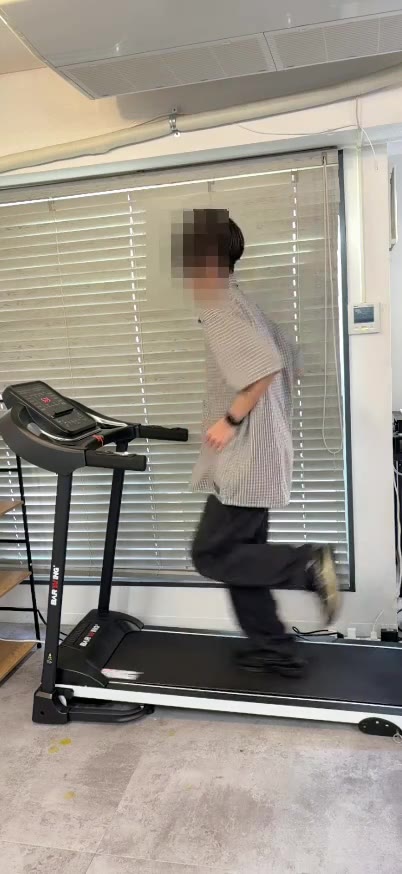
Walking and running data from real devices, with video.
12 trials recorded with ORPHE INSOLE β: normal walking, 8 simulated pathological gaits and treadmill running at 3 speeds. Check the waveforms synchronized with video in the browser, then download CSV, ARKit skeleton and video all at once or per trial.
Please read the terms of use before downloading. The data may not be redistributed.
Quick start
Connect either device and print live data.
Serve this page over HTTPS or localhost in a Web Bluetooth-capable browser. Load the CDN build and get OrpheCoreInsole from OrpheCoreInsoleJS. With no profile specified, the chooser lists both CORE and INSOLE and detects the selected type.
| Device | begin() type / option | Data stream |
|---|---|---|
| CORE | 'SENSOR_VALUES' |
Raw acceleration, gyro, quaternion at 50–200 Hz. |
| CORE | 'STEP_ANALYSIS' |
Gait events are delivered when the step count increases; their timing differs from the packet notification rate. Default when the type is omitted. |
| CORE | 'STEP_ANALYSIS_AND_SENSOR_VALUES' |
Both streams at once. |
| INSOLE | { streamingMode: 4 } |
Gyro, acceleration, pressure, quaternion. 100 Hz sampling, 50 Hz packets. Default. |
| INSOLE | { streamingMode: 3 } |
Gyro, acceleration, pressure. 200 Hz sampling, 50 Hz packets; no quaternion. |
| INSOLE | { streamingMode: 1 } |
Quaternion, acceleration, gyro. 200 Hz sampling, 50 Hz packets; no pressure. |
For CORE gait analysis, replace the common example’s script with the following. Use STEP_ANALYSIS_AND_SENSOR_VALUES when both streams are needed.
const { OrpheCoreInsole, coreProfile } = OrpheCoreInsoleJS;
const core = new OrpheCoreInsole({ profile: coreProfile() });
core.on("gait", (gait) => console.log(gait));
document.getElementById("connect").onclick = () =>
  core.begin("STEP_ANALYSIS").catch(console.error);
Need a connect toggle and a settings modal? Also load orphe-core-insole-toolkit.js and build the UI with buildCoreToolkit() / buildInsoleToolkit() (requires Bootstrap 5).
References: API reference (TypeDoc) / Usage in the README / Release tags.
<button id="connect">Connect ORPHE CORE / INSOLE</button>
<pre id="sensor-data"></pre>
<pre id="pressure-data"></pre>

<script src="https://cdn.jsdelivr.net/gh/Orphe-OSS/ORPHE-CORE-INSOLE.js@v0.3.0/dist/browser/orphe-core-insole.js"></script>
<script>
  const { OrpheCoreInsole } = OrpheCoreInsoleJS;
  const ble = new OrpheCoreInsole();

  ble.on("converted_acc", (acc) => {
    document.getElementById("sensor-data").textContent =
      JSON.stringify({ x: acc.x, y: acc.y, z: acc.z });
  });
  ble.on("press", (press) => {
    document.getElementById("pressure-data").textContent =
      JSON.stringify(press.values);
  });

  document.getElementById("connect").onclick = async () => {
    try {
      await ble.begin("SENSOR_VALUES");
      console.log("connected:", ble.profile.kind);
    } catch (error) {
      document.getElementById("sensor-data").textContent = String(error);
    }
  };
</script>
Try the examples
Pick an example for your device, or one that runs on both.
All examples are static pages running on the CDN build, published from the separate ORPHE-CORE-INSOLE.js-EXAMPLE repository. Open one in your browser and connect right away.
Motion and gait with CORE
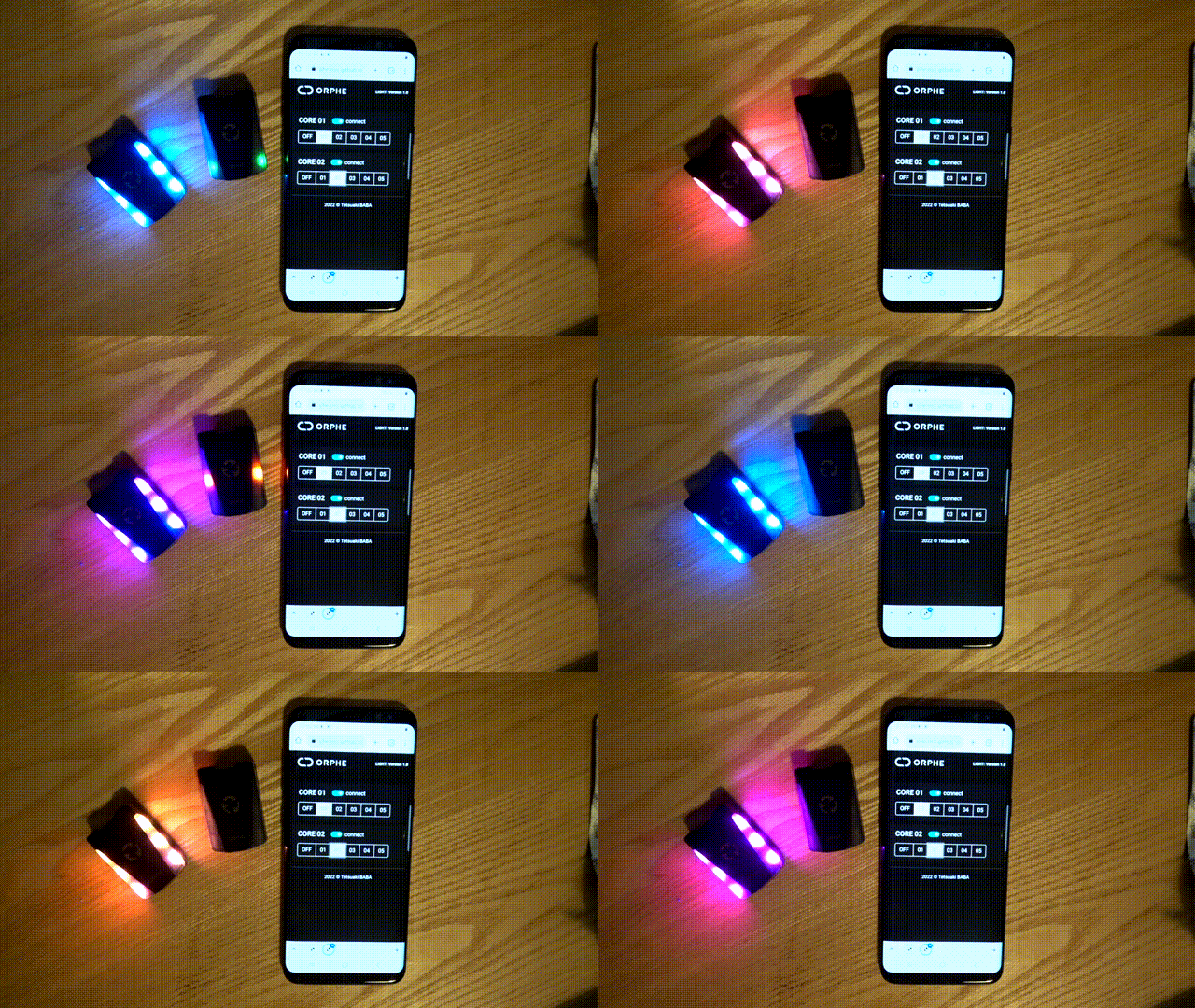
LIGHT
Connect one CORE and control the LED. The smallest possible example to confirm Web Bluetooth works.
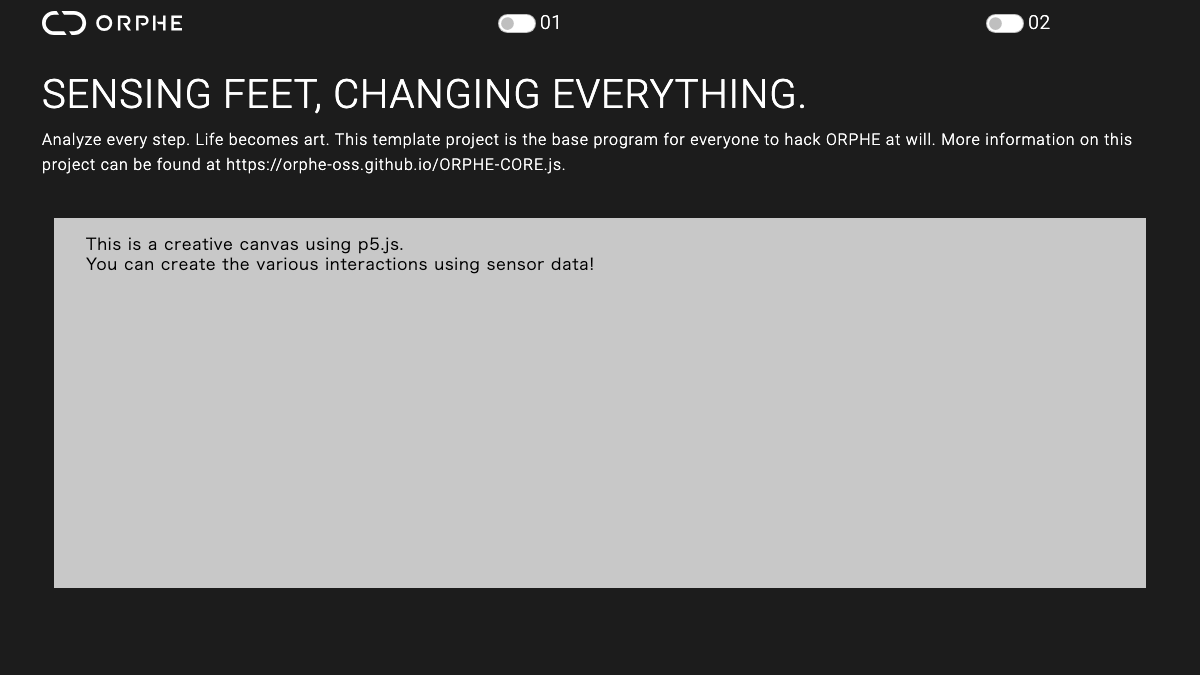
CORETOOLKIT STARTER
Connection UI built with buildCoreToolkit() for two modules, plus live sensor and gait values. Copy it as the base of your own app.
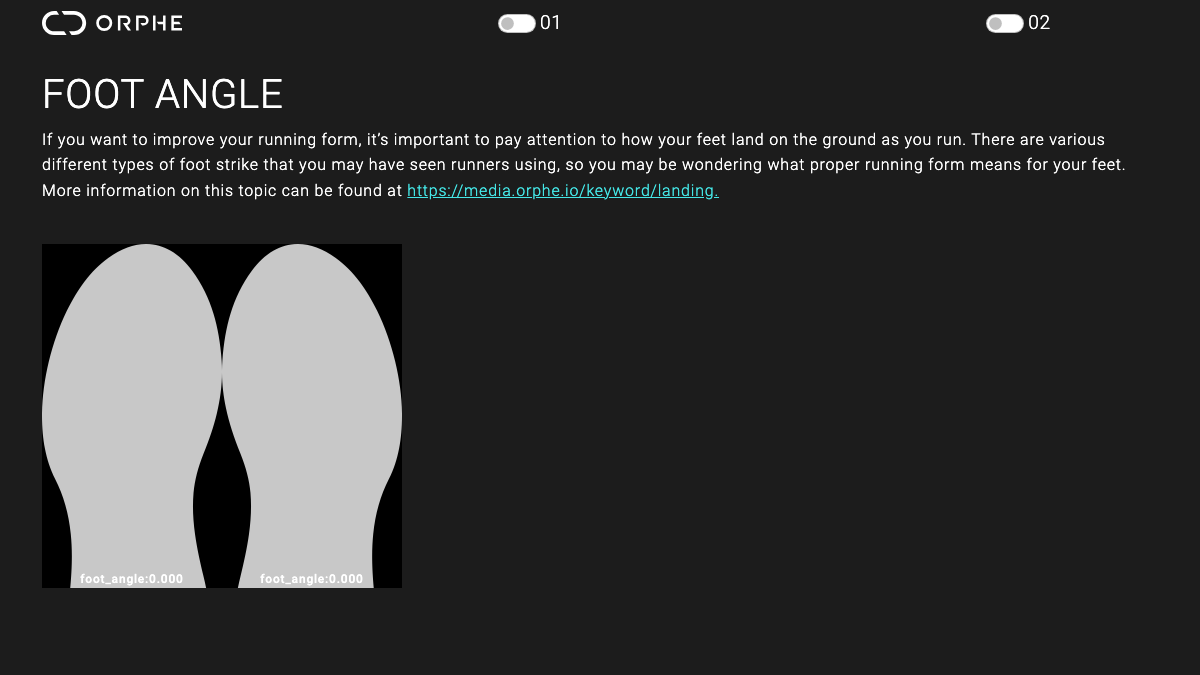
FOOT ANGLE
Visualize the foot angle at ground contact for each step, using the on-device step analysis stream.
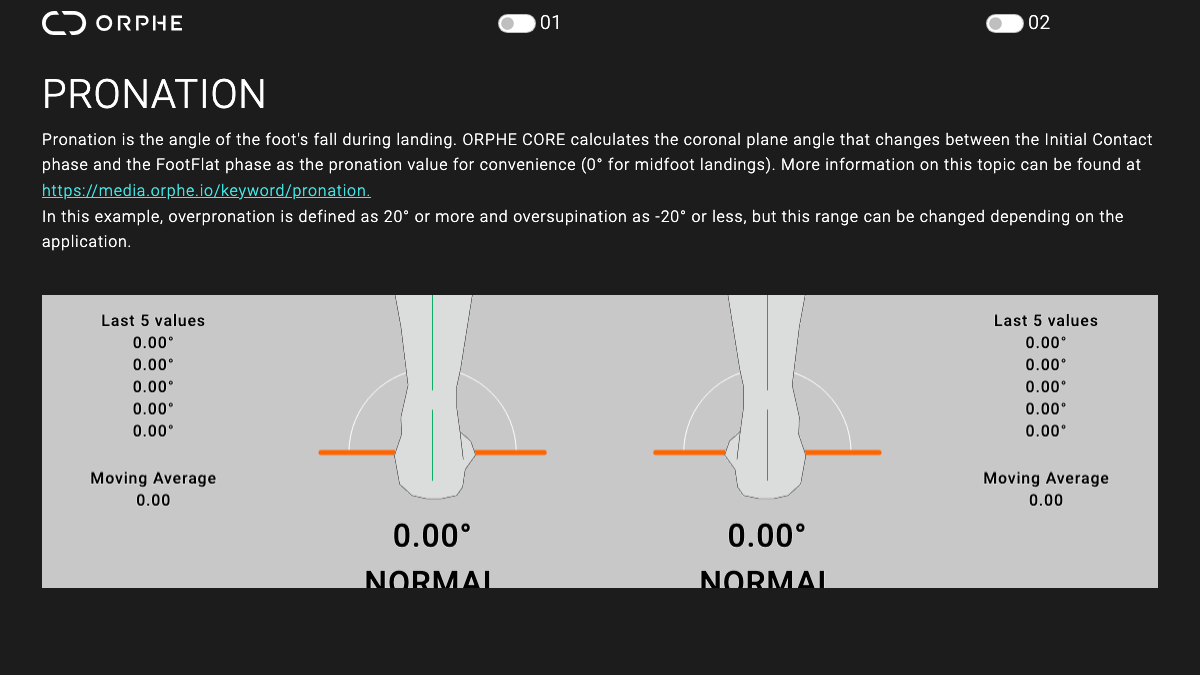
PRONATION
Show pronation per step as a gauge. A compact reference for running-form feedback tools.
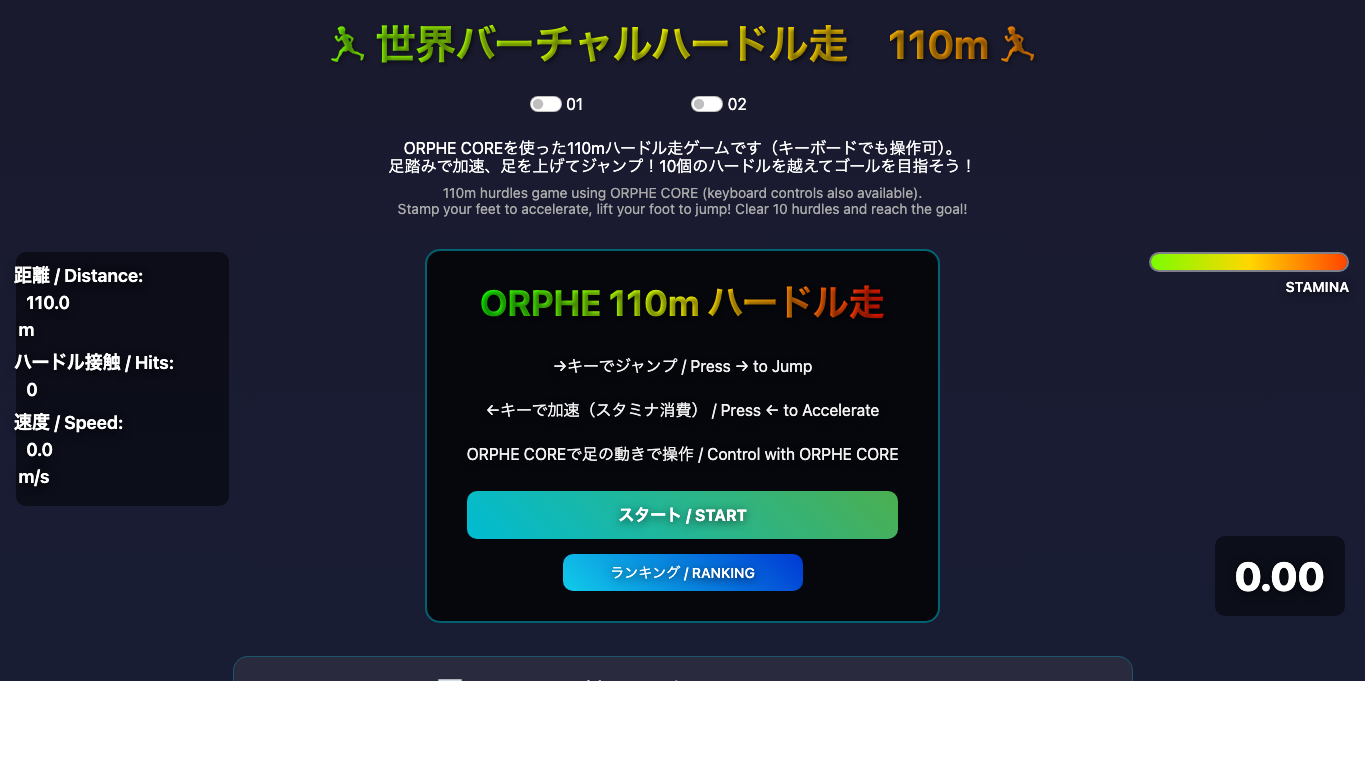
110m HURDLES
Run in place with two COREs to sprint and jump over hurdles. A full game loop built on step analysis and motion data.
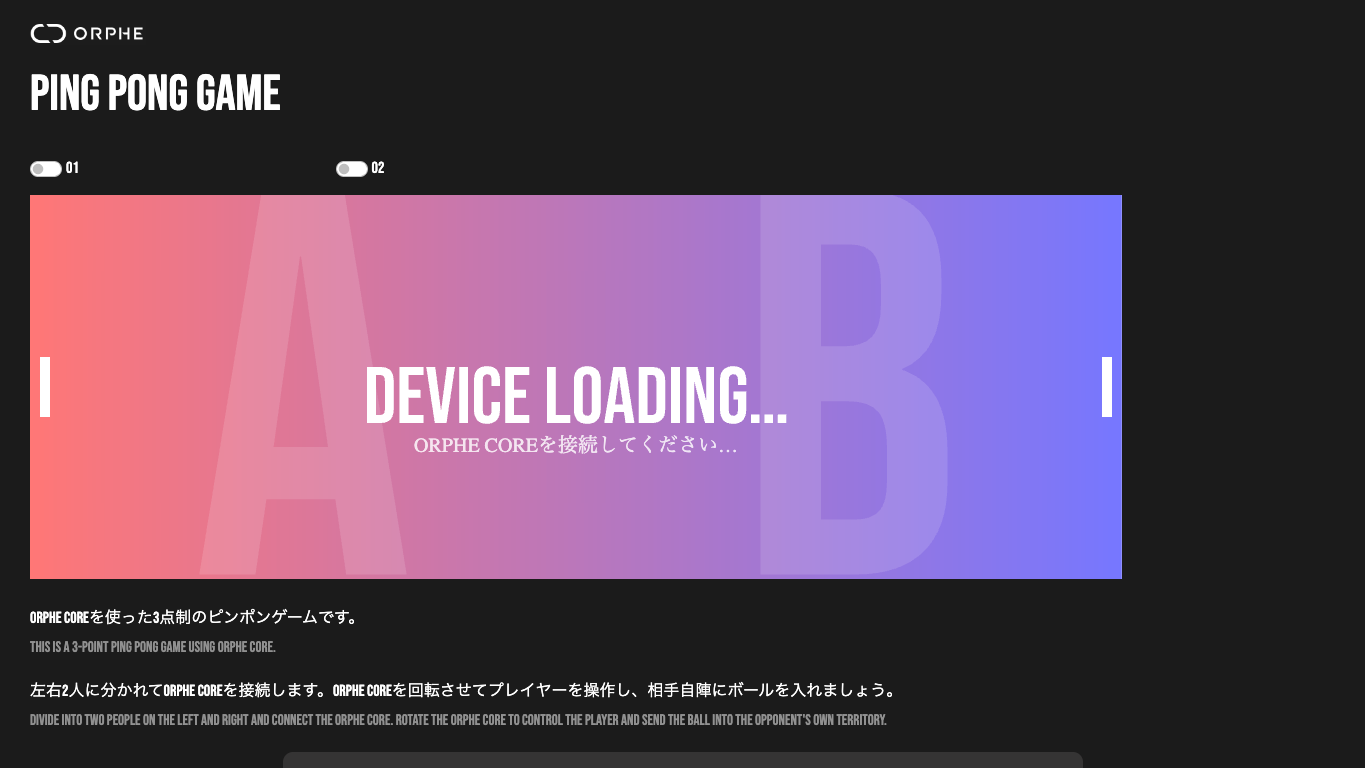
PINGPONG
Swing your foot to return the ball. Uses angular velocity for hit detection and timing.
Pressure and balance with INSOLE
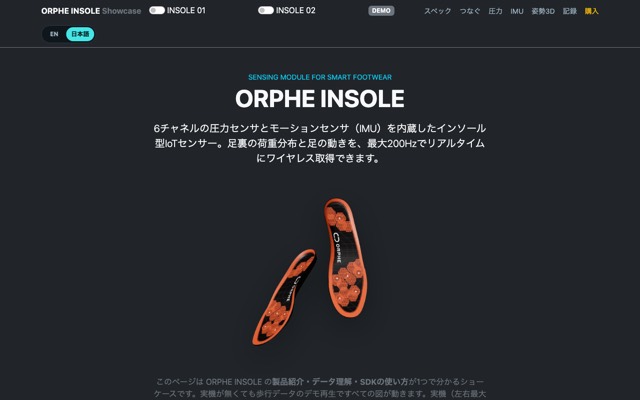
Showcase
Product specs, 6ch pressure heatmap, IMU charts, quaternion 3D view, CSV recording, and code snippets. Works without a device (demo playback).
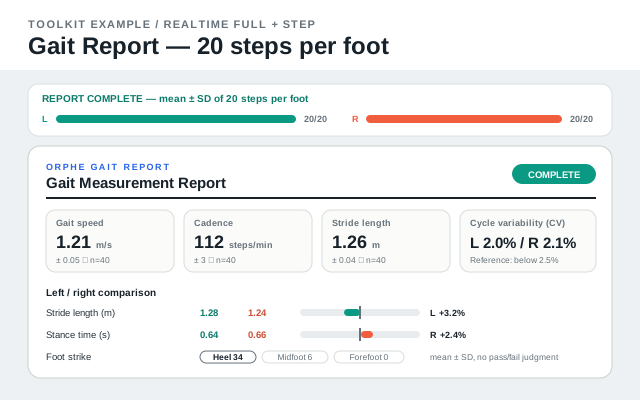
Gait Report
Record 20 steps per foot and build a live-updating gait report with mean ± SD, left/right asymmetry, variability, and foot-strike breakdown.
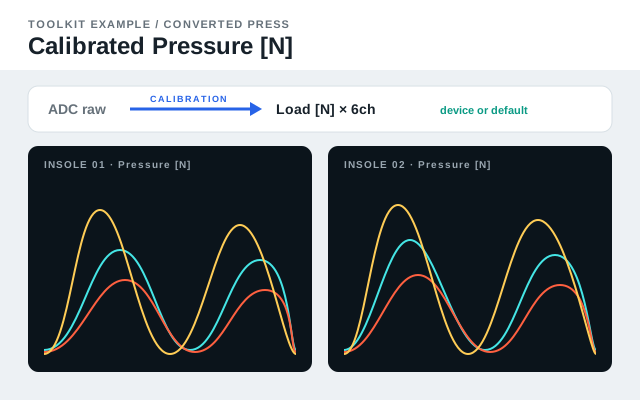
Calibrated Pressure
Charts six pressure channels as load in newtons. Uses individual calibration coefficients read on connect when available, otherwise a default conversion formula shared by all channels.
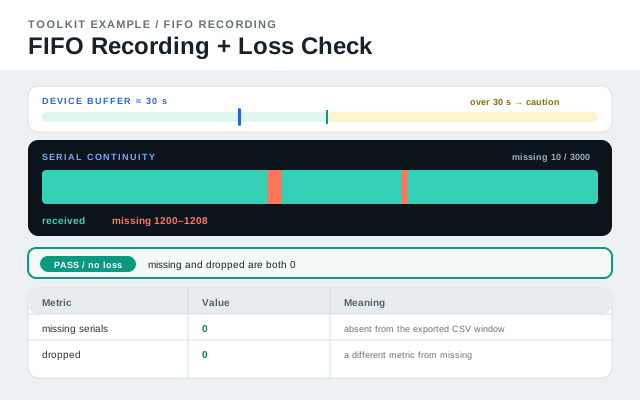
FIFO Guide
Start here for FIFO: how it differs from realtime, why the device buffer holds about 30 seconds, and how to check serial continuity before exporting CSV.
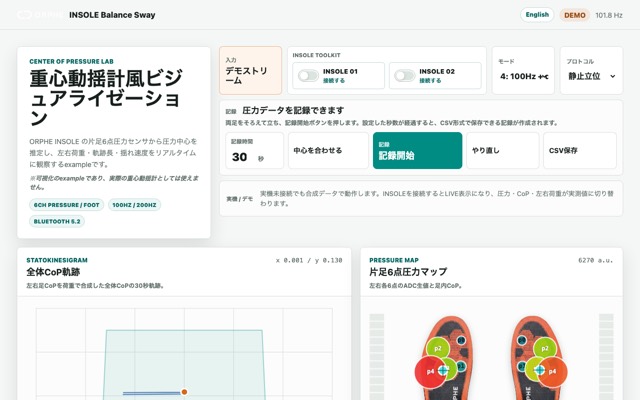
Balance Sway
Center-of-pressure trajectory, sway metrics, and left/right weight bearing with a built-in demo stream. Not a medical device.
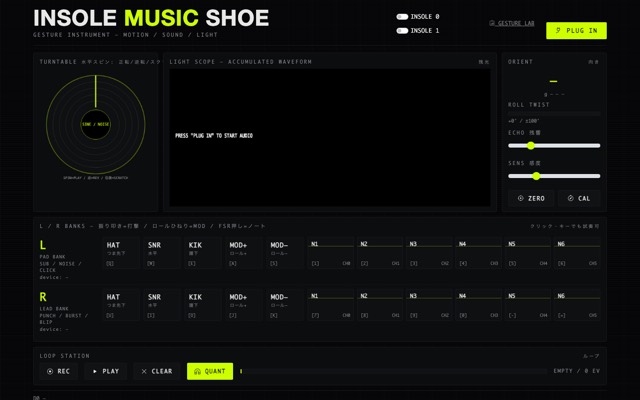
Music Shoe
Hold the insole in your hand and play it: orientation-gated hits, loop station, and a gesture-recording lab. Playable with mouse/keyboard too.
Works with either device
These examples let you choose CORE or INSOLE per slot, so the same page runs with whichever hardware you have.
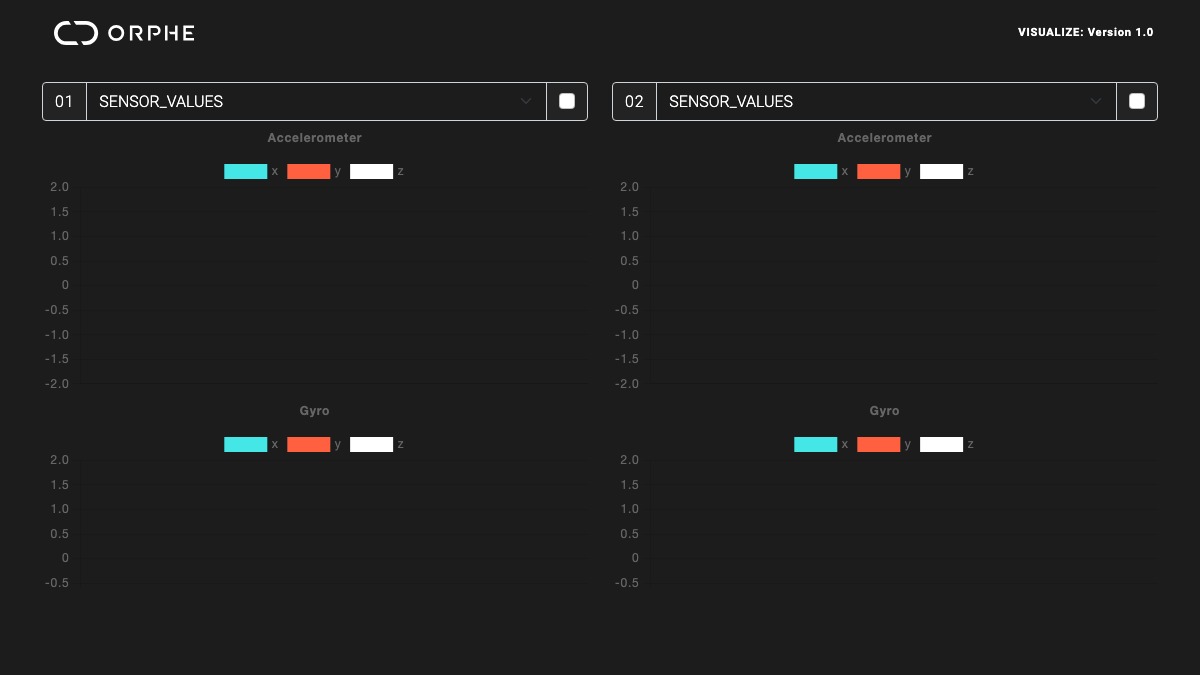
VISUALIZE
Realtime charts of acceleration, gyro, and (for INSOLE) pressure for up to two devices. The recommended first look at your data.
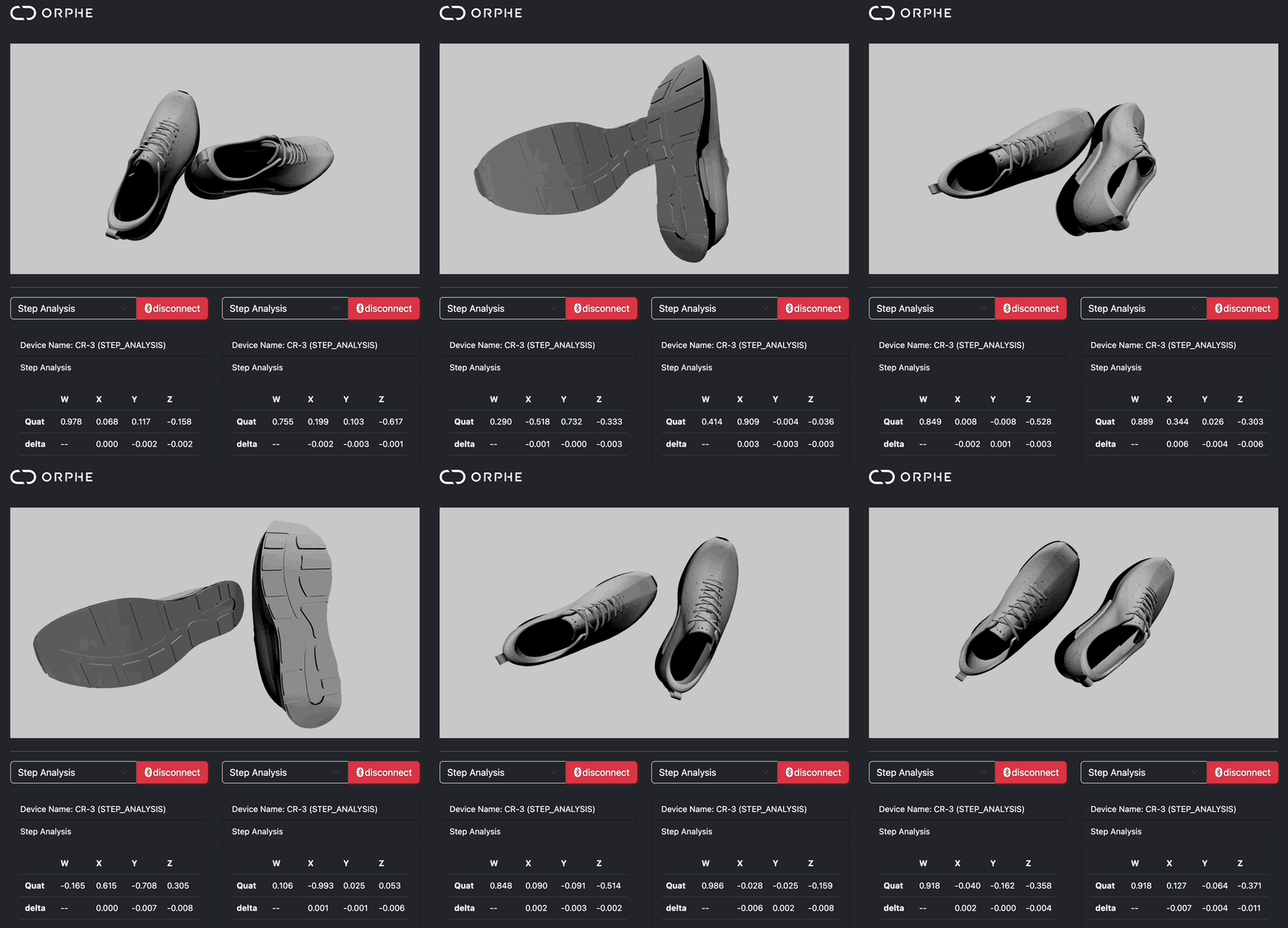
Sensor Dashboard
Connect one or two devices and inspect every field, quaternion orientation, and left/right assignment on one screen.
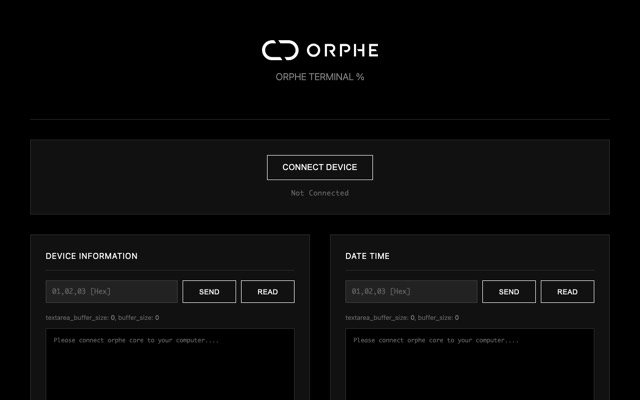
Terminal
Read and write BLE characteristics, watch raw notification bytes, and export captured values.
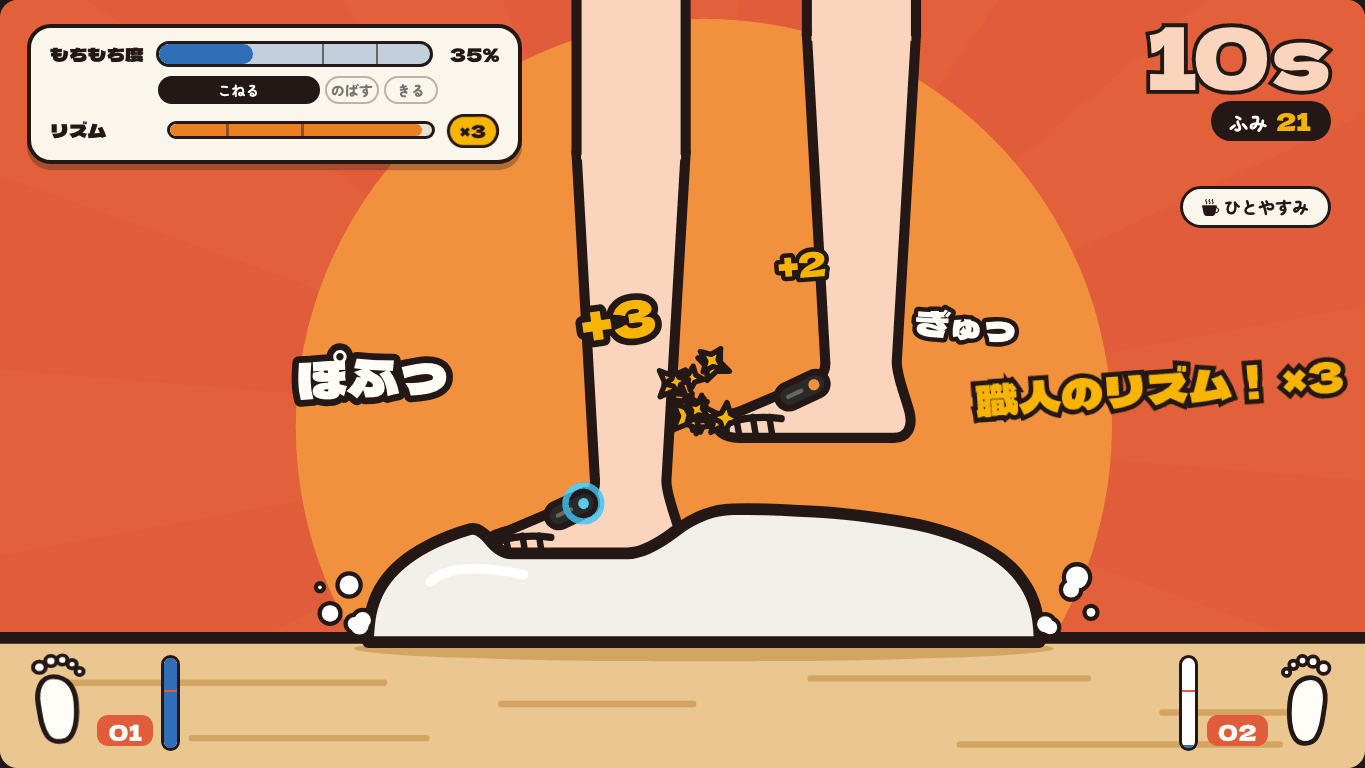
UDON
Knead udon dough by stepping in place. Rates every step for strength, left/right balance, and pace, with CORE or INSOLE on each foot.
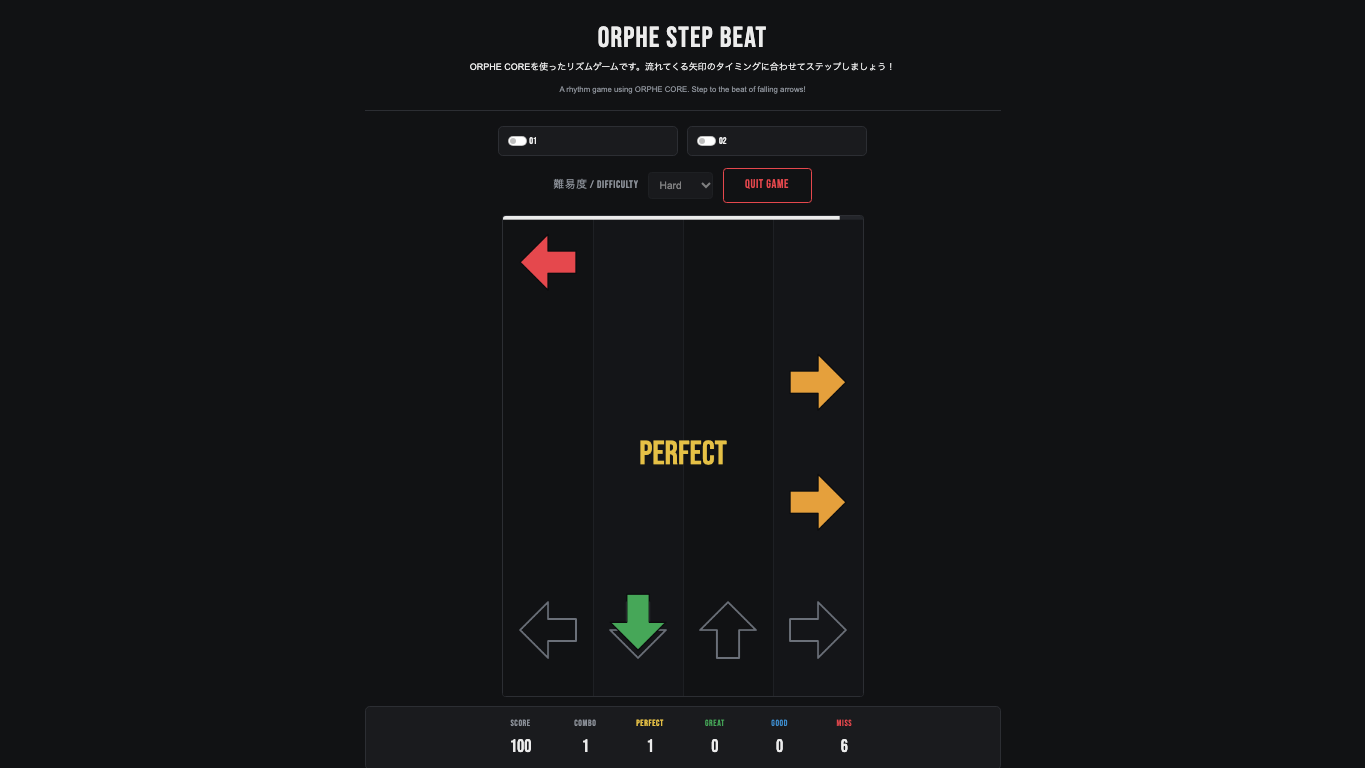
Example Gallery
Browse every example by category, device (CORE / INSOLE), difficulty, and keyword: games, virtual sports, research tools, and more.
API Documentation
Browse the generated TypeDoc for OrpheCoreInsole, profiles, commands, recording helpers, and the toolkit functions.
Migrating from ORPHE-CORE.js / ORPHE-INSOLE.js
Choose the migration path for your existing API.
Direct users of new Orphe() / new OrpheInsole() can use the compatibility globals. Since v0.2.0, toolkit-created cores / insoles / orpheCore are OrpheCoreInsole instances: migrate to on() / onEvent(), or use attachLegacyCallbacks() for old callbacks. Replacing script URLs alone does not migrate every app; check the README migration table.
| ORPHE-CORE.js / ORPHE-INSOLE.js | ORPHE-CORE-INSOLE.js |
|---|---|
new Orphe(0) / new OrpheInsole(0) |
new OrpheCoreInsole({ profile: coreProfile(), id: 0 }) / insoleProfile() |
ble.setup() |
Not needed |
ble.gotAcc = (acc) => {…} |
ble.on('acc', (acc) => {…}) |
ble.onConnect = () => {…} |
ble.onEvent('onConnect', () => {…}) |
ble.setLED(1, 0) / resetMotionSensorAttitude() |
ble.commands.setLED(true, 0) / ble.commands.resetAttitude() |
OrpheInsoleFifo / OrpheInsoleGait / OrpheInsoleSimulator |
FifoRecorder / InsoleGait / createInsoleSimulator() |
What you can build
Prototype around the use cases CORE and INSOLE are built for.
CORE's motion and gait data suit games and body expression; INSOLE's foot pressure suits balance and load analysis. Connect both to build research tools that observe motion and ground contact together.
Body-controlled games and sports
Run, jump, kick, and swing with foot motion as the controller: virtual sports, rhythm games, and training feedback.
Biomechanics datasets
Record synchronized motion, gait, and pressure streams for validation, exploratory analysis, and AI dataset creation.
Work-safety inspection
Explore fall, slip, trip, and fatigue-related motion signals before connecting them to larger safety systems.
Device inspection
Build dashboards for device state, packet health, left/right assignment, and data stream debugging.
Beta notice
ORPHE-CORE-INSOLE.js is currently provided as a beta library.
Documentation and tutorials are still being improved. Web Bluetooth requires Chrome or Edge (desktop / Android). Safari and Firefox are not supported; on iOS, use a Web Bluetooth browser such as Bluefy.
Usage policy
Free for all non-commercial projects. Commercial use requires a separate agreement.
This SDK carries over the policy of the earlier ORPHE-CORE.js / ORPHE-INSOLE.js. You can use and modify it freely at no cost for personal projects, prototypes and internal validation, education and workshops, non-commercial research at universities and similar institutions, and free or non-commercial apps and services.
Free use
Education/workshops, academic non-commercial research, personal creative projects, prototypes/internal experiments, and free non-commercial services are allowed.
Commercial use
Paid apps, paid services, commercial SDK integrations, commissioned products, or business services require a separate commercial agreement with ORPHE.
Version scope
This page follows the ORPHE-CORE.js v1.4.0 and later policy. All releases of ORPHE-CORE-INSOLE.js use the same usage policy. See LICENSE.md in the repository.
Copyright and licensing
Copyright (C) 2025–2026, Tetsuaki BABA and ORPHE Inc. See the usage policy for allowed uses and commercial agreement requirements.